













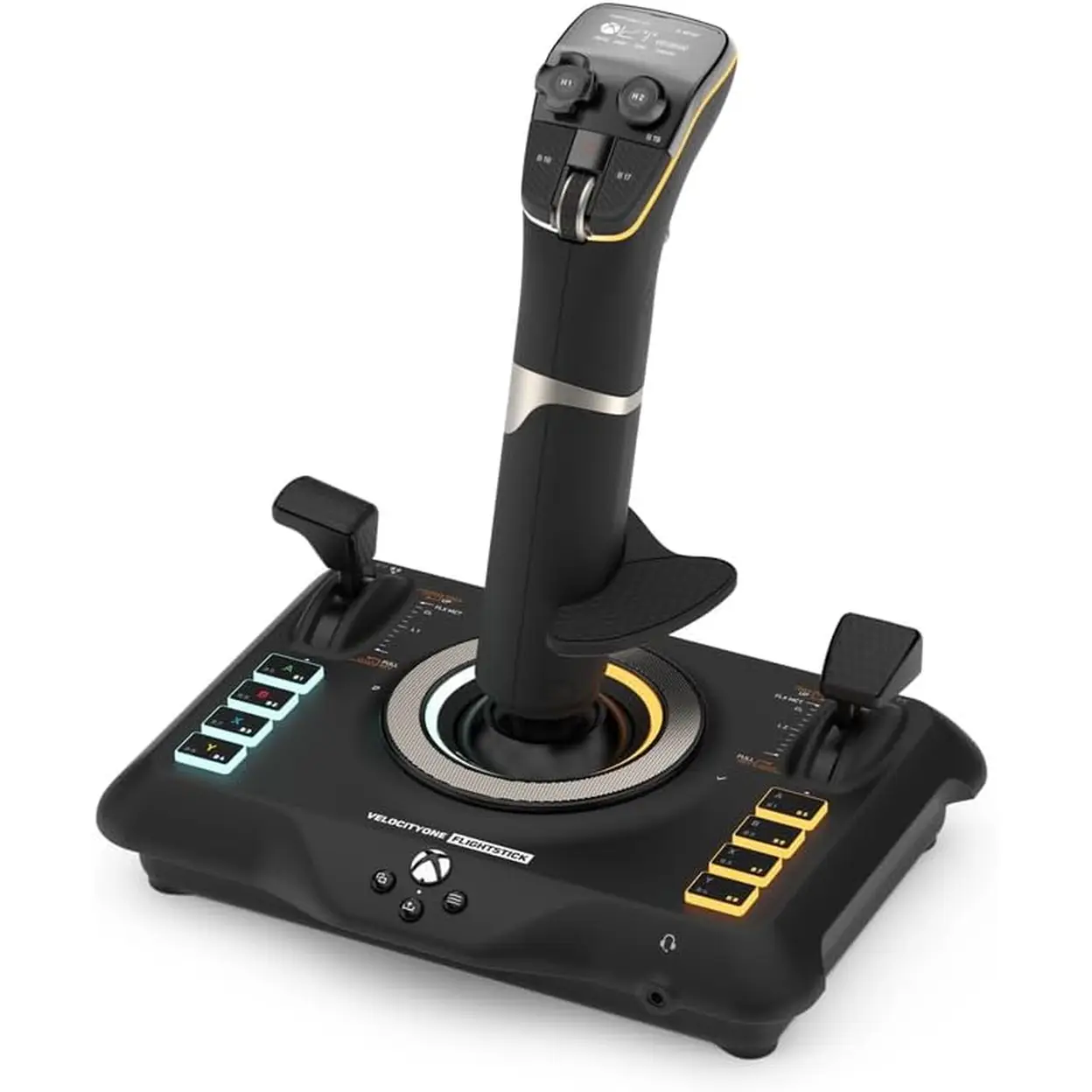
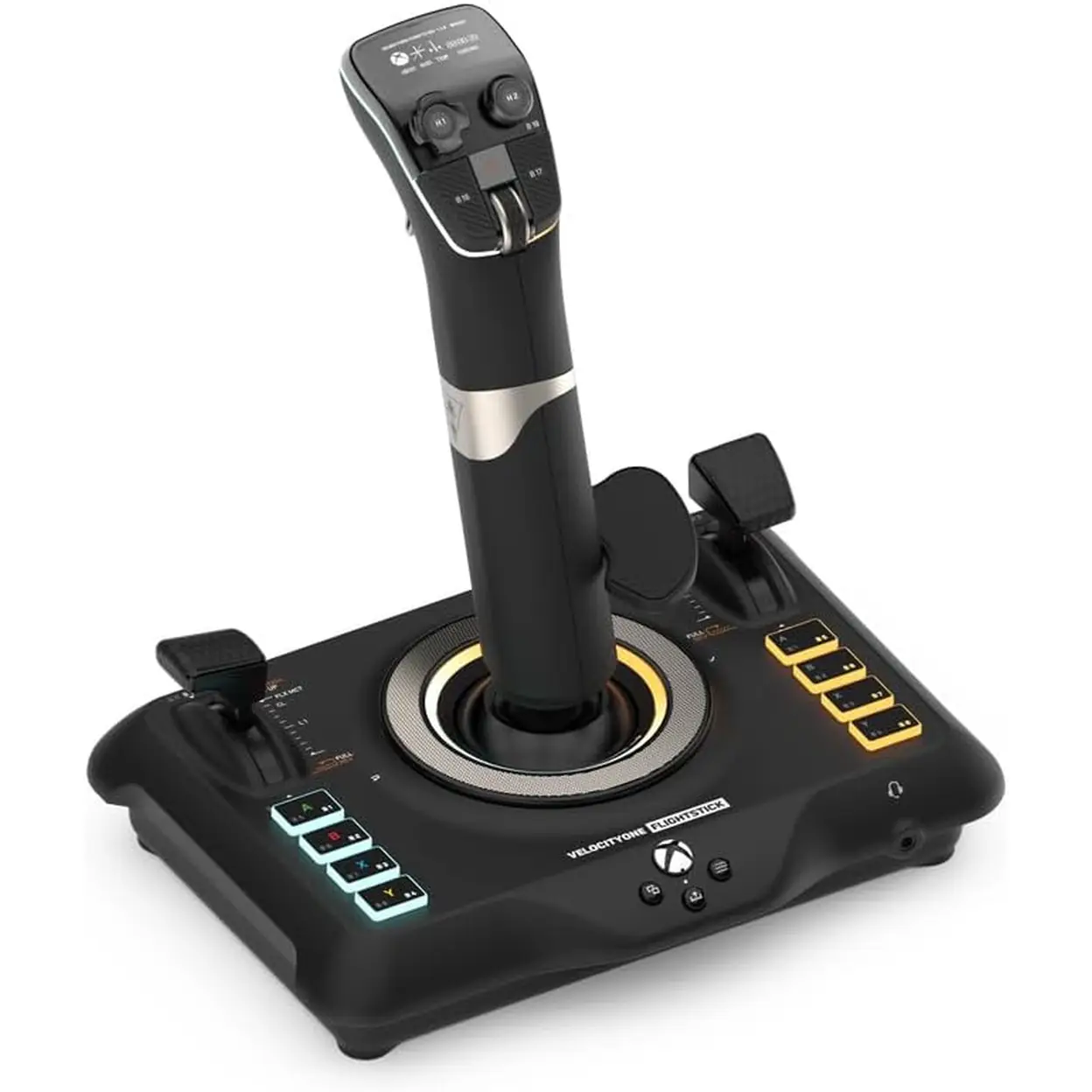
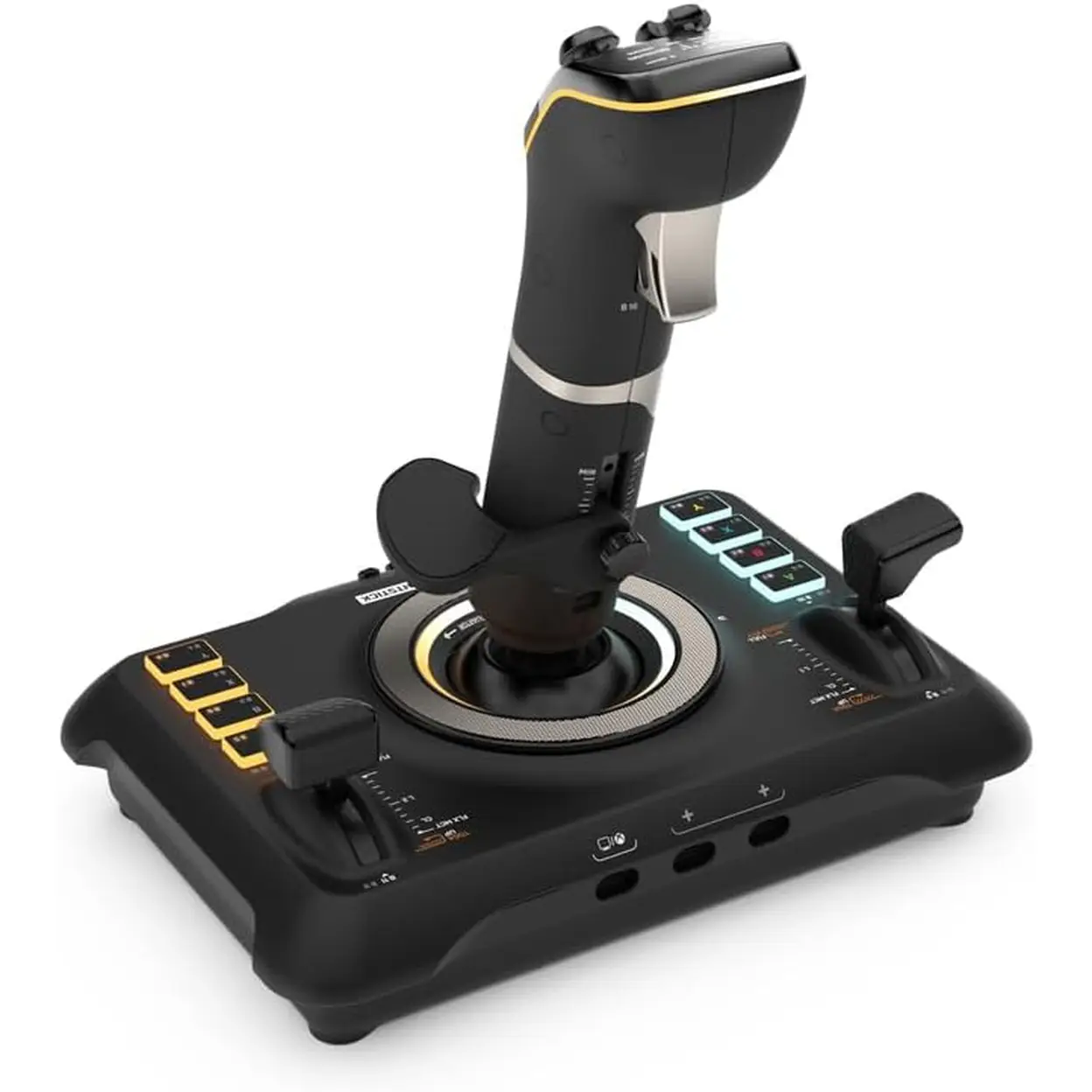
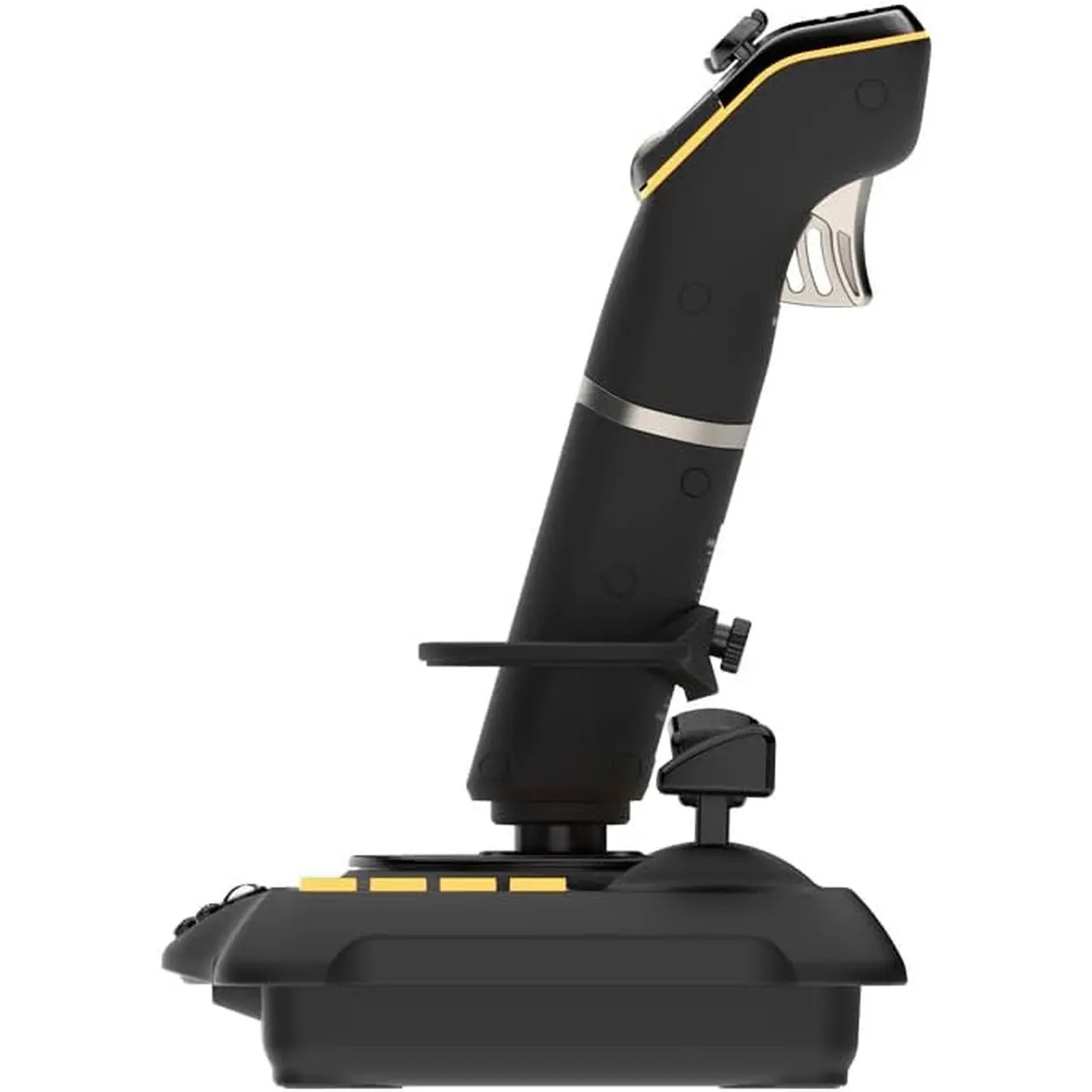
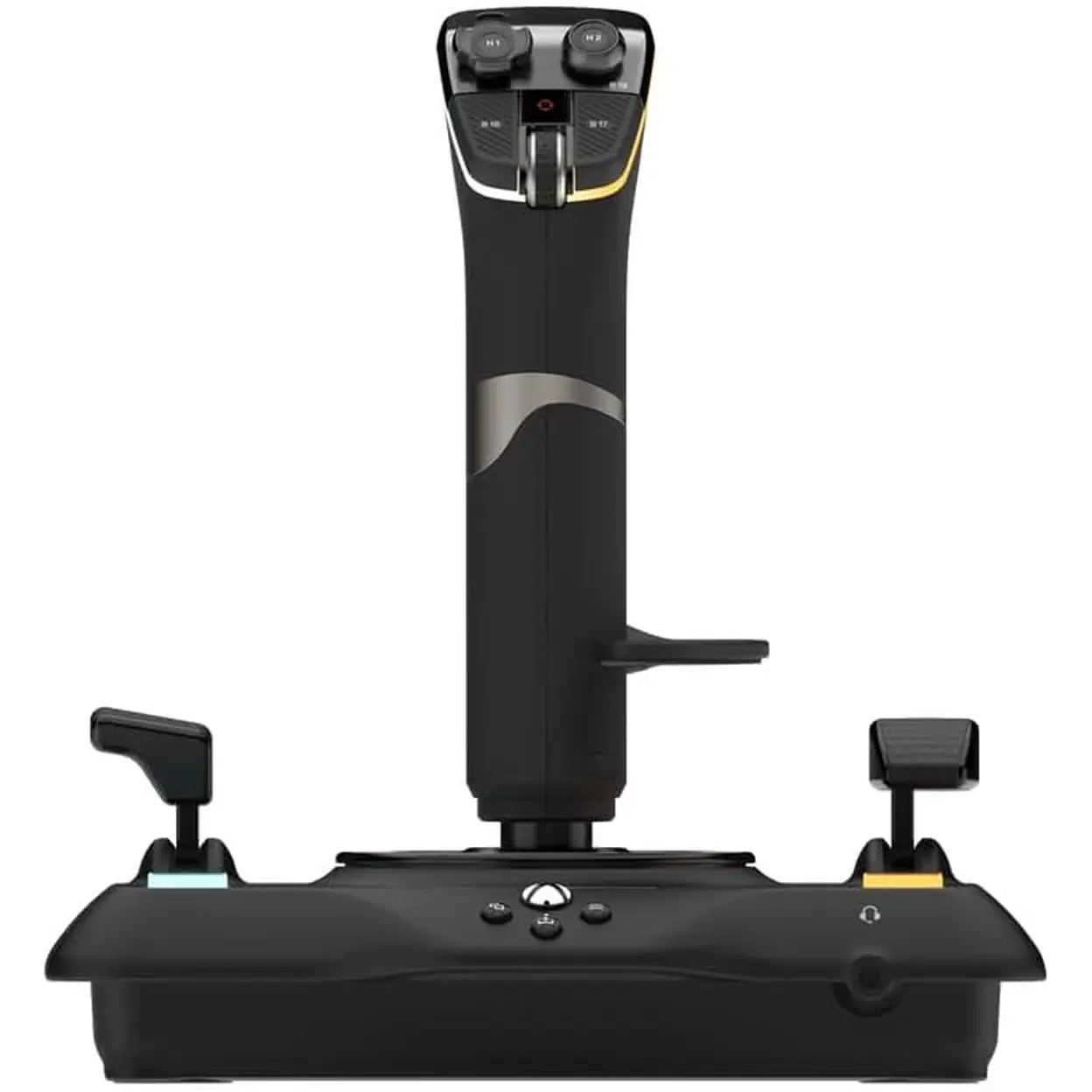
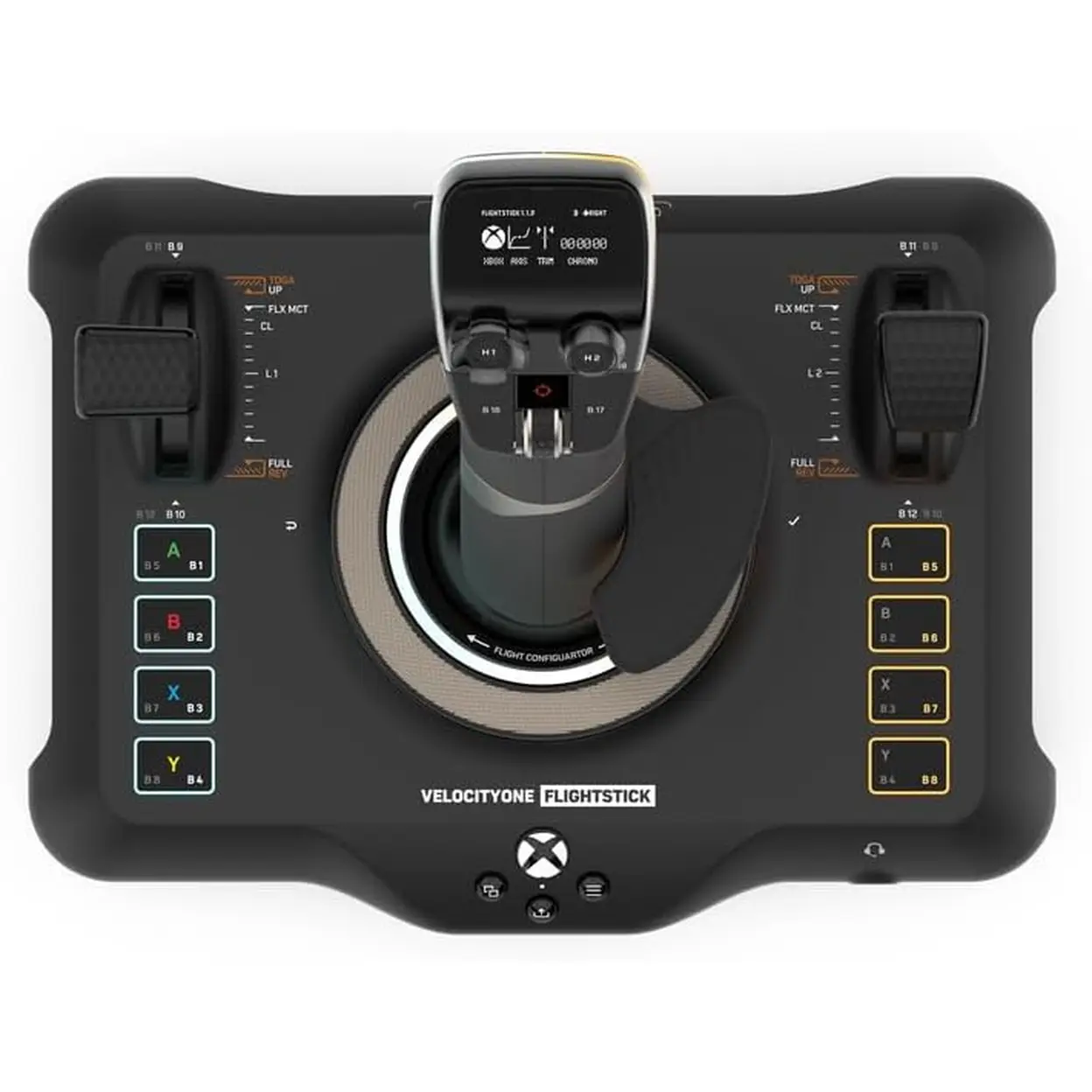
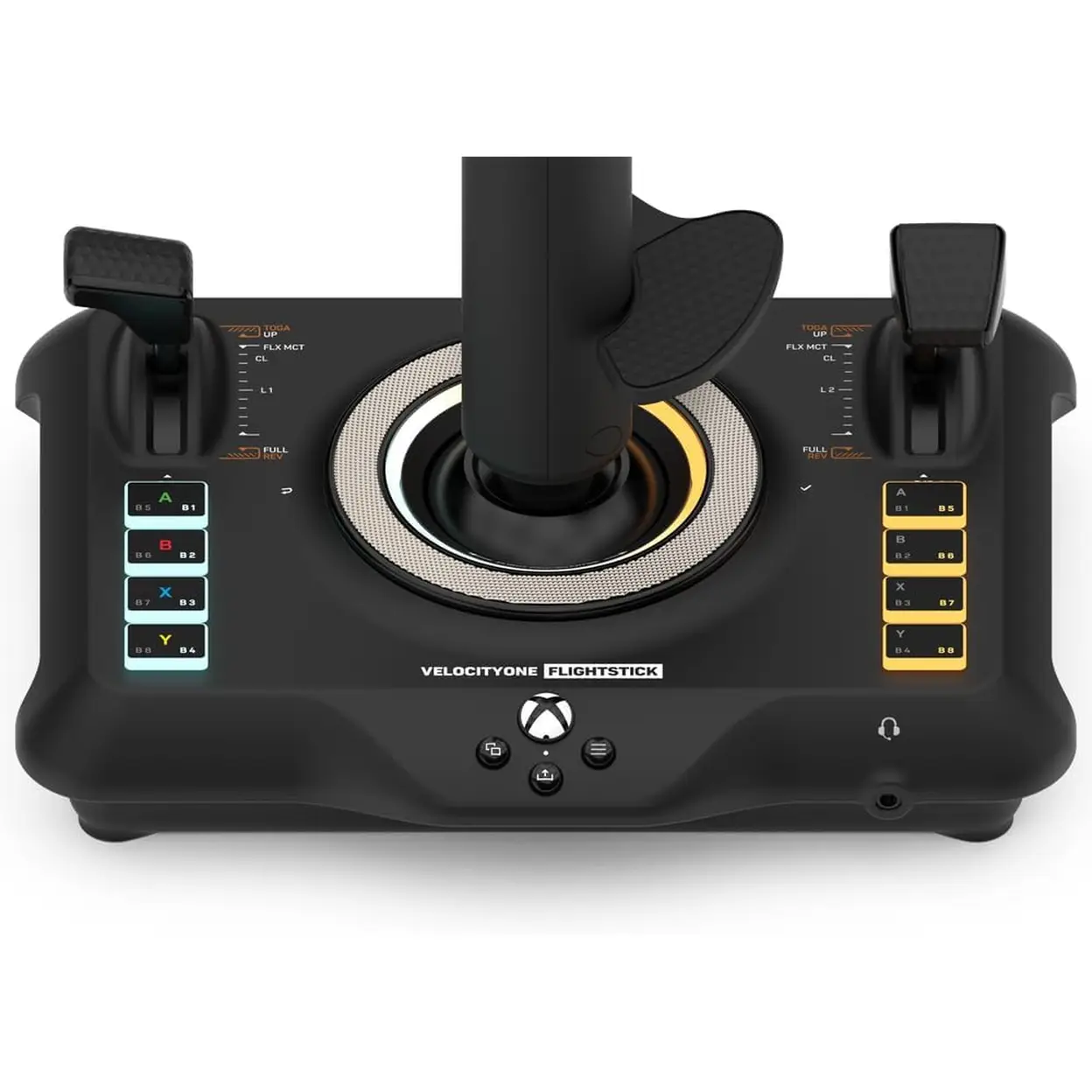
Turtle Beach VelocityOne Flight Stick Simulator Control for Xbox / PC
PlayParty


-

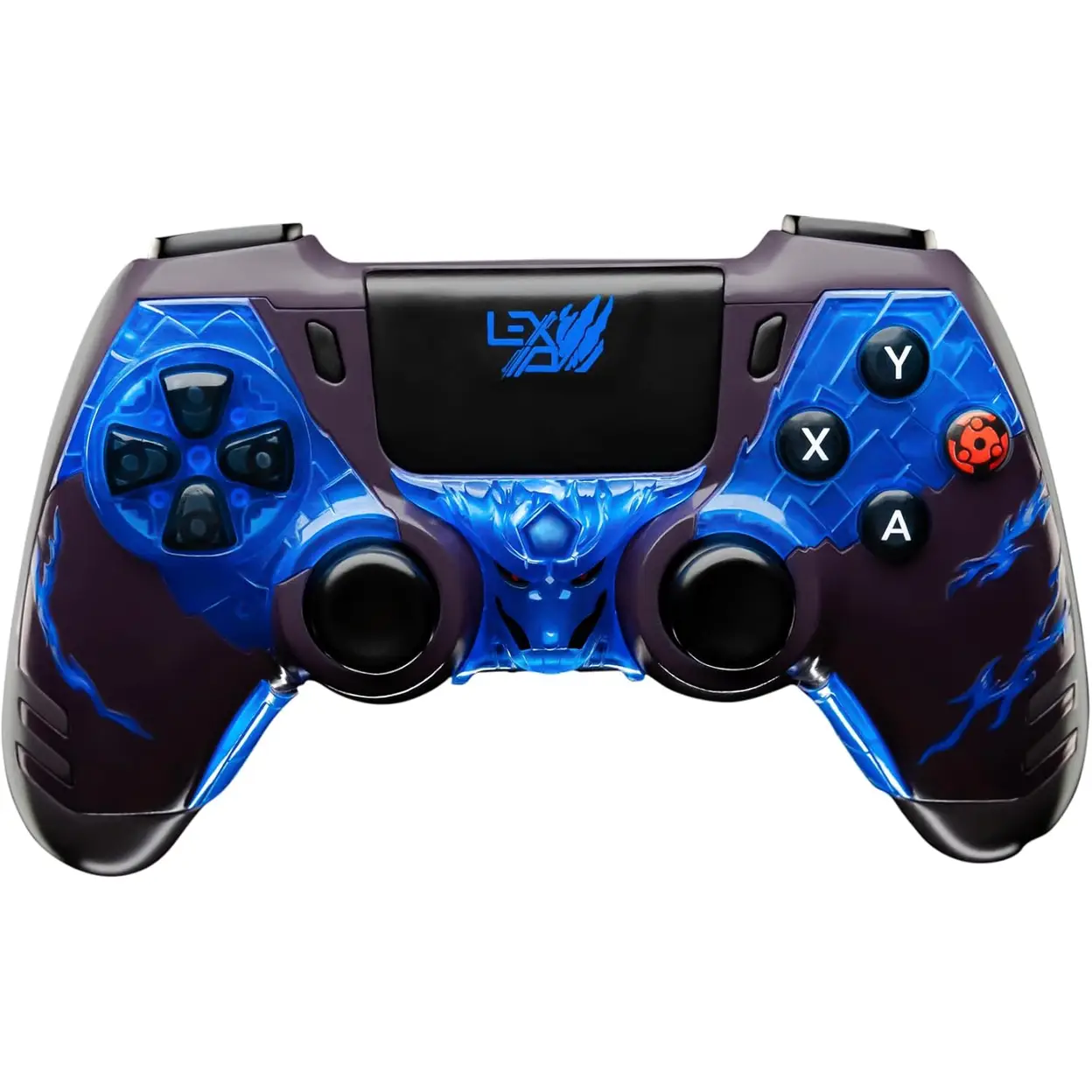
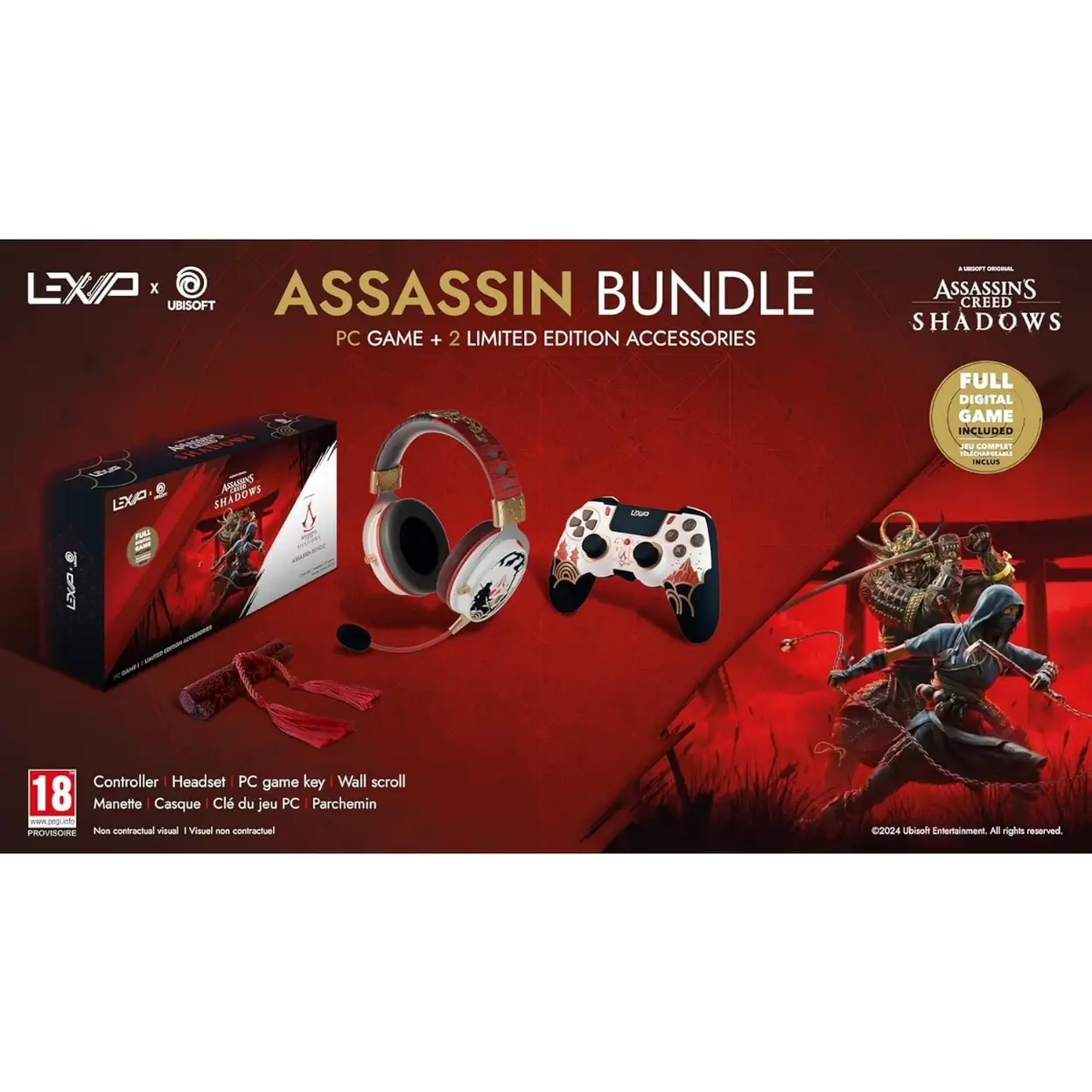
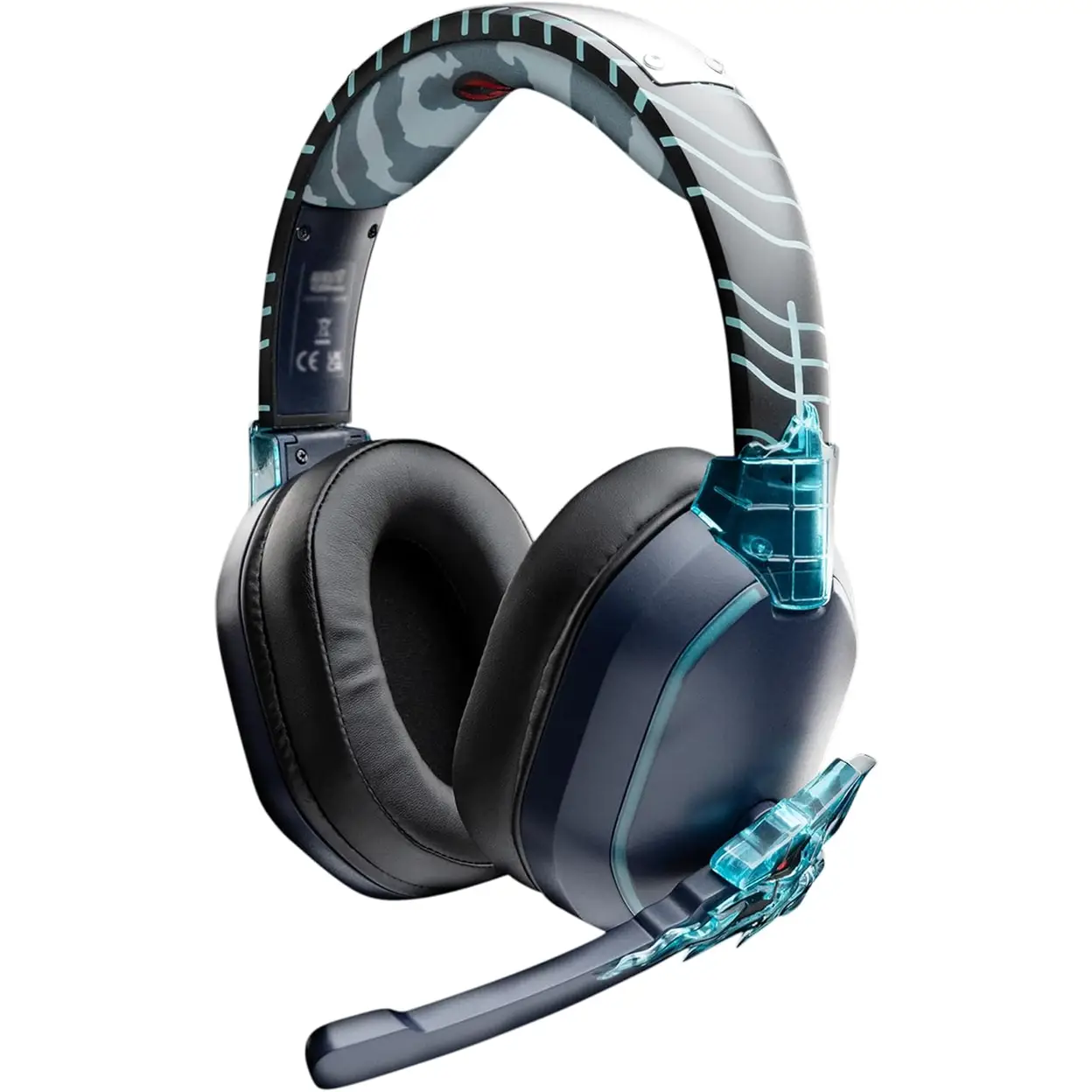
Lexip naruto Kakashi Headset
$50.86

Product Highlight
High-precision 8-axis non-contact (Hall-Effect) sensors deliver smooth, drift-free and ultra-accurate flight control for air and space simulators.
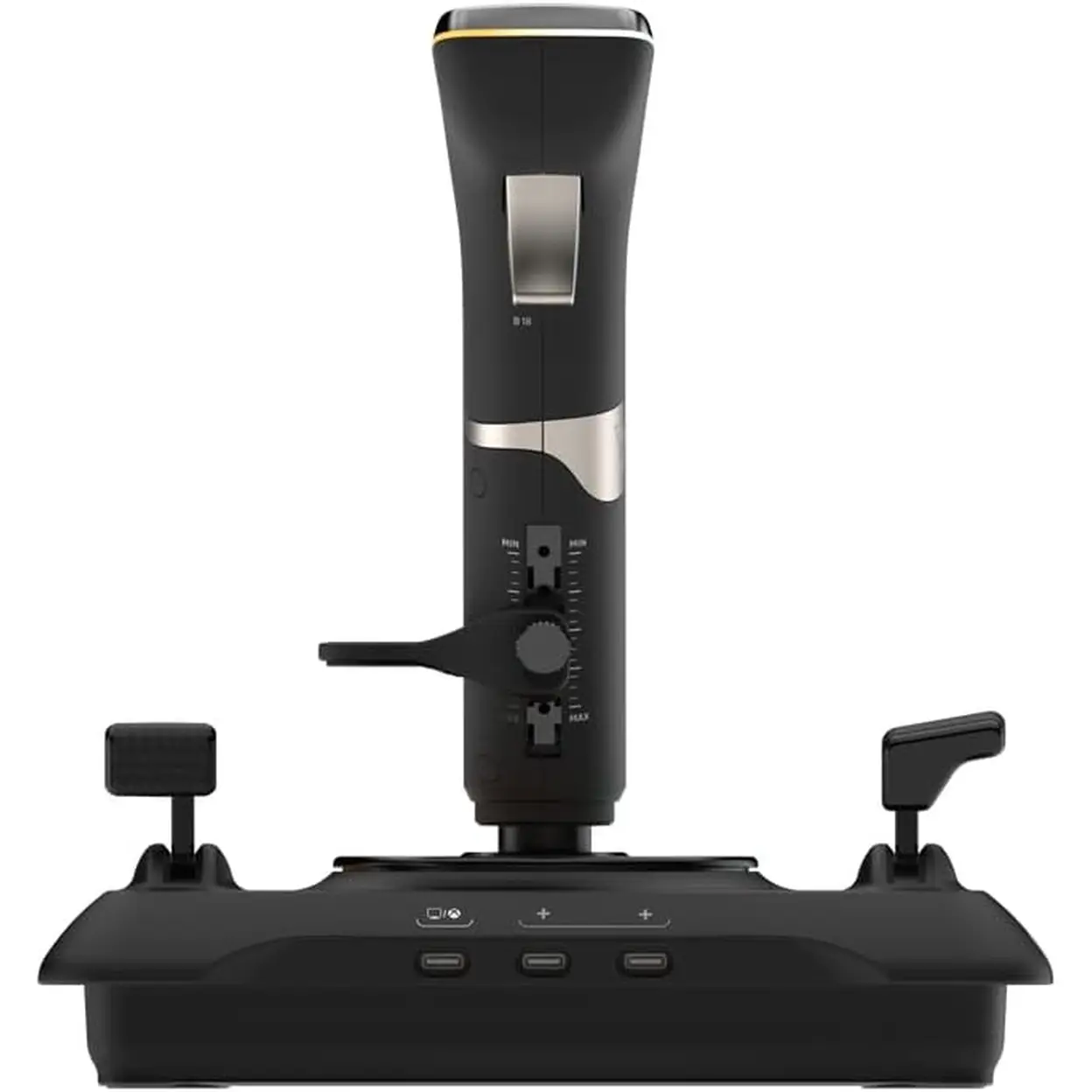
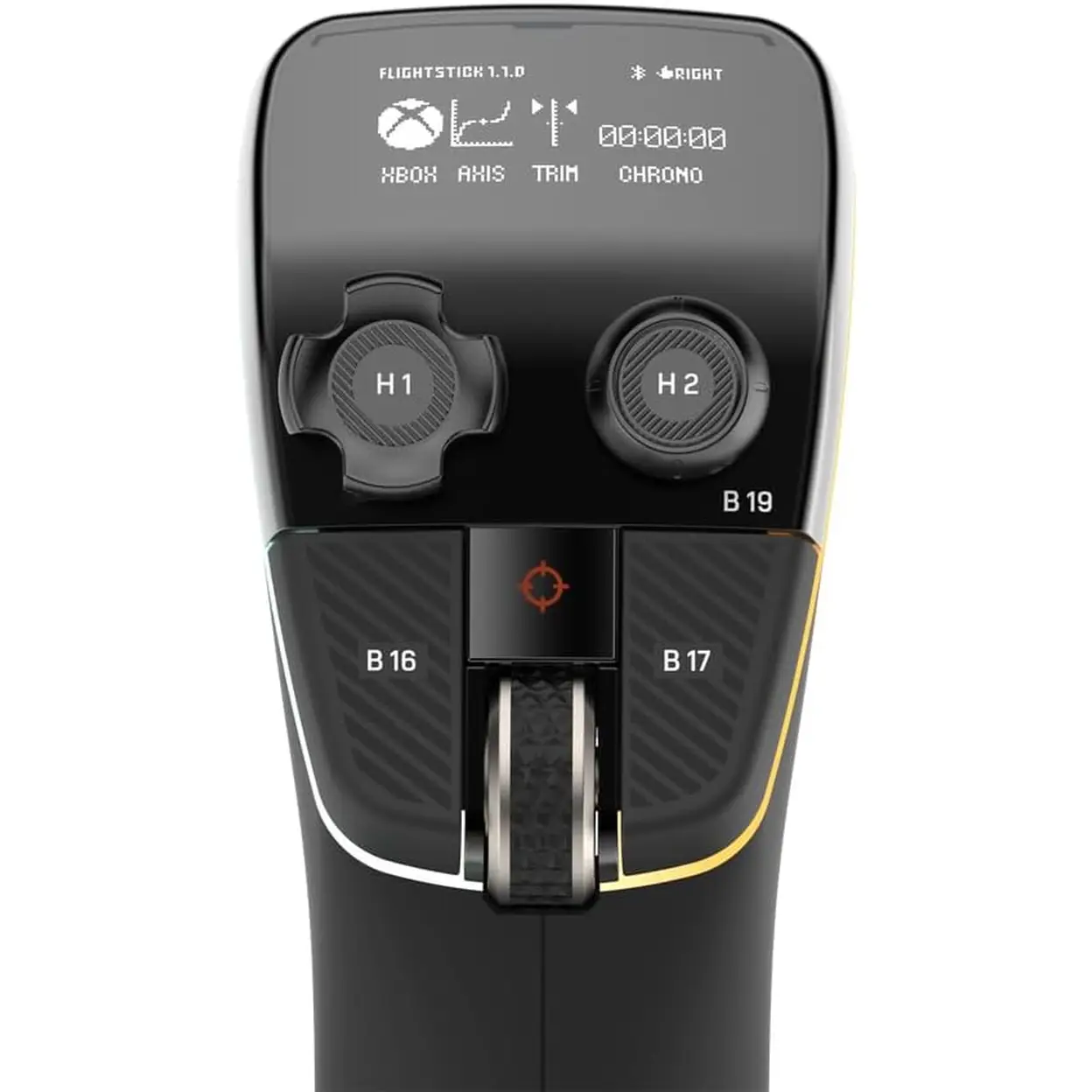
Precision nano trim wheel allows ultra-fine aircraft attitude adjustments during flight.
Multi-function throttle with adjustable levers and swappable throttle heads supports fighter, airliner, and spaceflight configurations.
27 programmable buttons, including rapid-fire trigger and 8-way POV hat, provide complete cockpit-style command control.
Integrated OLED Flight Management Display (FMD) enables real-time profile, trim, detent, and control configuration.
Bluetooth-enabled companion app allows advanced configuration via compatible Android and iOS devices.
Ambidextrous design with reversible wrist rest supports both left- and right-handed pilots.
Customisable RGB lighting zones enhance visual setup and personalisation.
Officially designed for Xbox with full compatibility for Xbox Series X|S, Xbox One, and Windows PCs.
Technical Details
| Specification | Details |
|---|---|
| Brand | Turtle Beach |
| Product Type | Flight Simulation Controller |
| Model Name | VelocityOne Flightstick |
| Sensors | 8-axis Hall-Effect non-contact sensors |
| Buttons | 27 programmable buttons + 8-way POV hat |
| Throttle | Multi-function throttle with adjustable levers |
| Trim Control | Precision nano trim wheel |
| Display | OLED Flight Management Display (FMD) |
| Connectivity | USB-A to USB-C (wired), Bluetooth (configuration only) |
| Cable Length | 3 m / 10 ft |
| Lighting | Customisable RGB zones |
| Compatibility | Xbox Series X, Xbox Series S, Xbox One, Windows 10 & 11 PCs |
| App Support | Android 8.0 or later, iOS 15.4 or later |
| Audio Support | Not an audio controller |
| Included Accessories | USB cable, screws, quick guide |
Model Number:
[Please provide Model Number information]
Usage Instruction:
Connect the Flightstick to a compatible Xbox console or Windows PC using the supplied USB-A to USB-C cable.
Power on the console or PC and allow the system to recognise the controller automatically.
Use the OLED Flight Management Display to select or customise control profiles and trim settings.
Download the VelocityOne Flightstick companion app on a compatible smart device to access advanced configuration options.
Adjust throttle heads, wrist rest, and RGB lighting to suit your preferred control style.
After use, disconnect the device and store it in a dry, dust-free environment.
Safety Warning
Use only with compatible Xbox consoles and Windows PCs. Do not disassemble the product. Avoid exposure to liquids, moisture, extreme heat, or direct sunlight. Ensure cables are routed safely to prevent tripping hazards. Discontinue use if the device becomes damaged or malfunctions.
Child Safety Instructions
Recommended for ages 12 and above. Adult supervision is advised for minors. This product contains small parts and cables that may pose choking or entanglement hazards. Not intended as a toy. Keep out of reach of young children when not in use.
Country of Origin
Made in China
Manufacturer Information
Turtle Beach Corporation
1225 Broadway, Suite 2600
New York, NY 10001
USA
Sản phẩm liên quan