









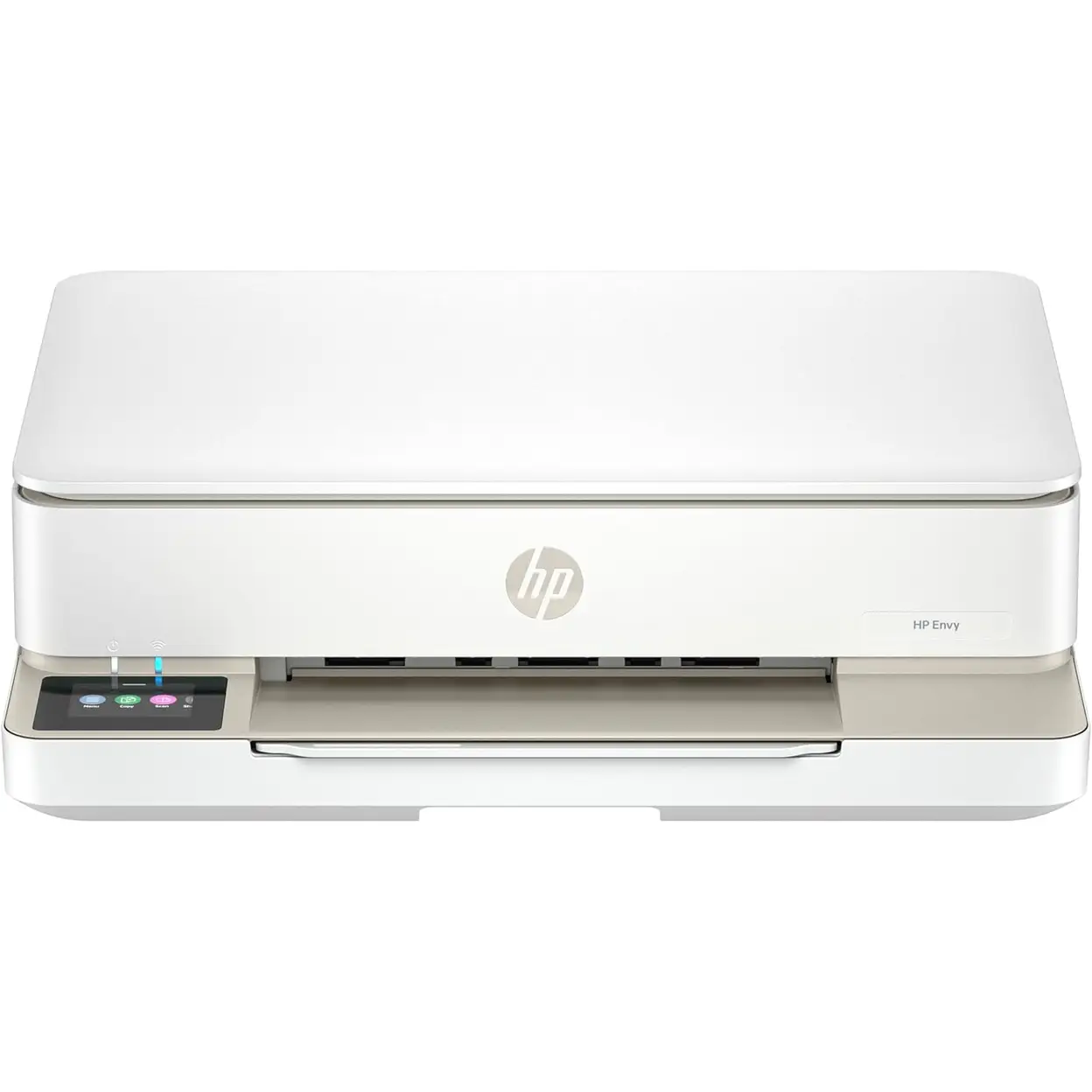
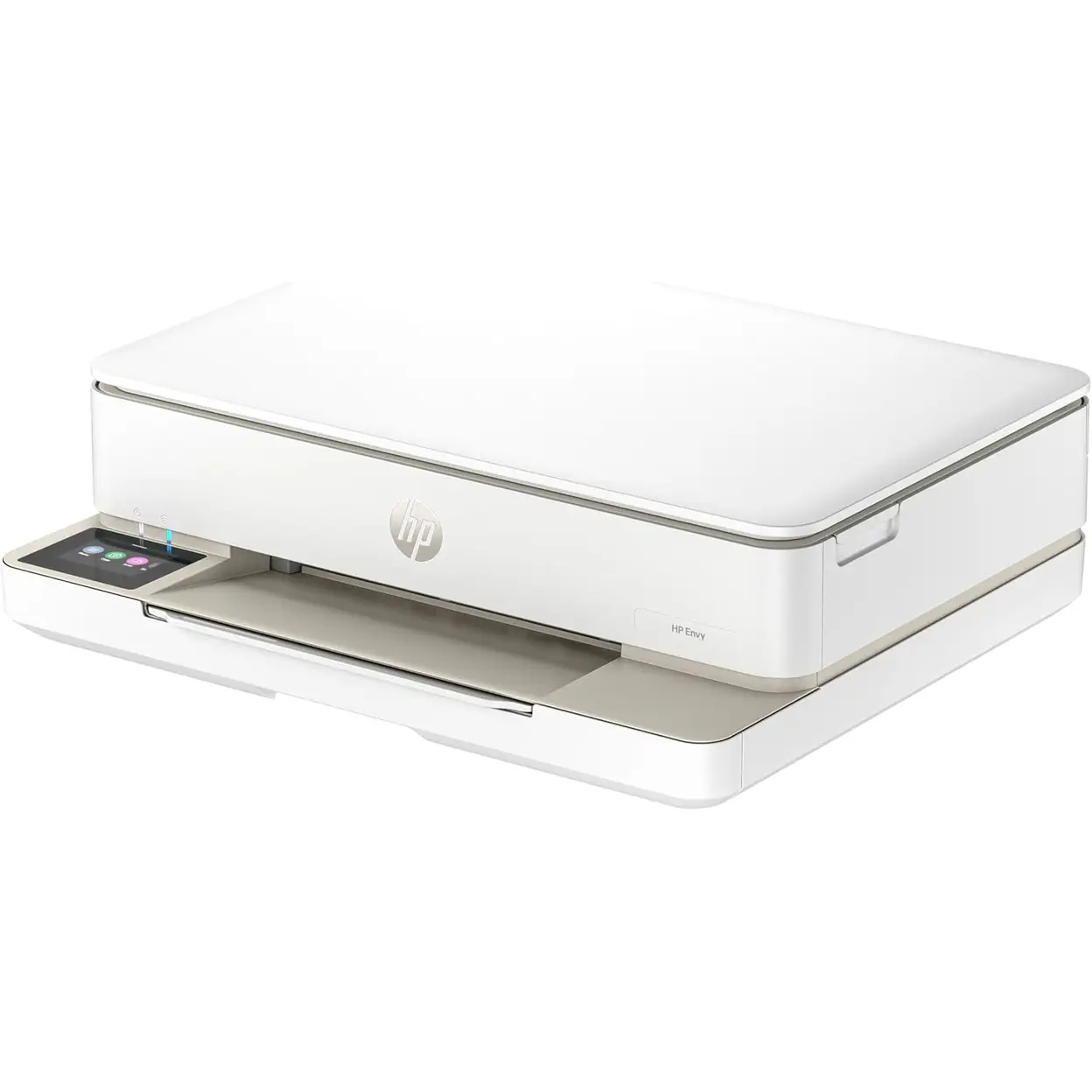
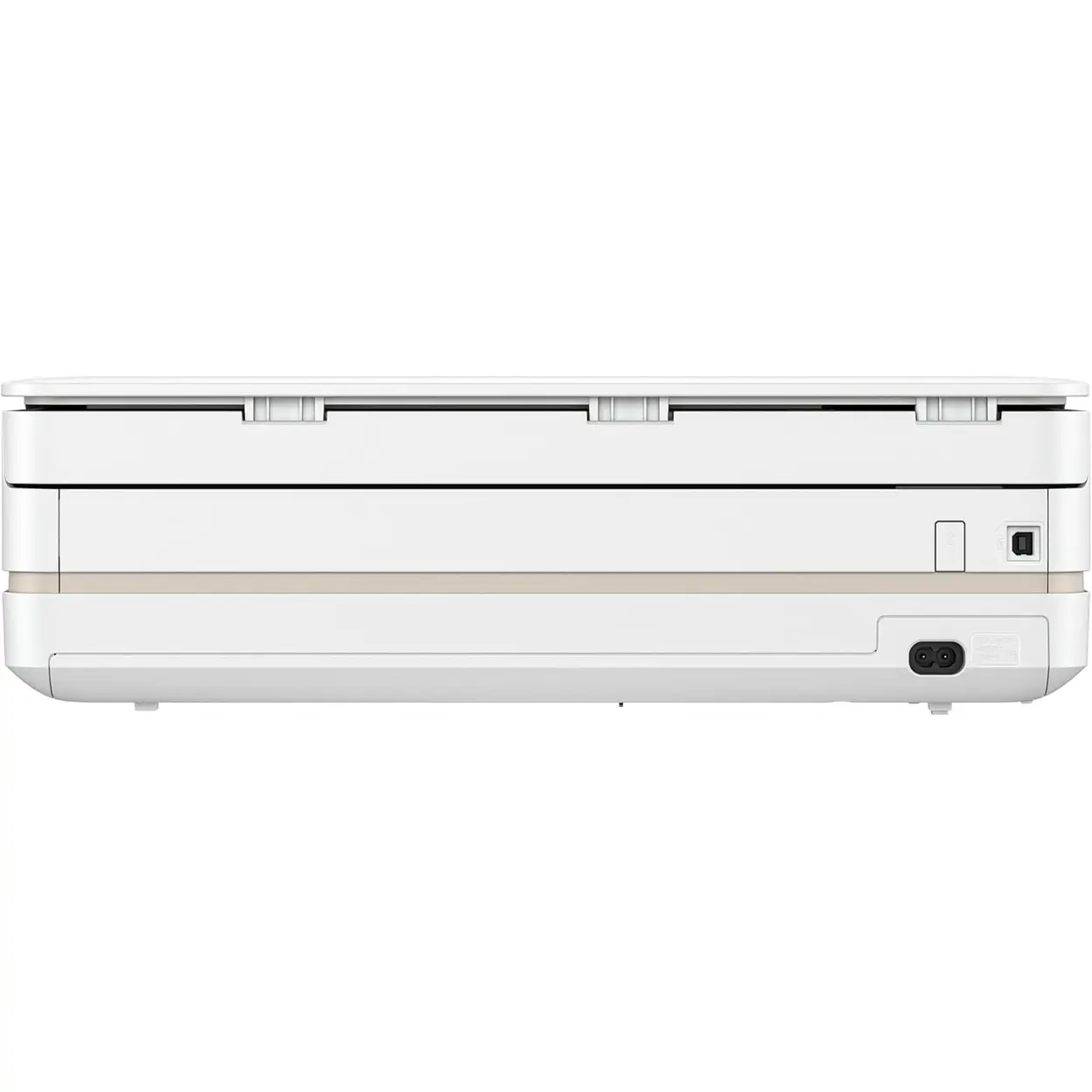
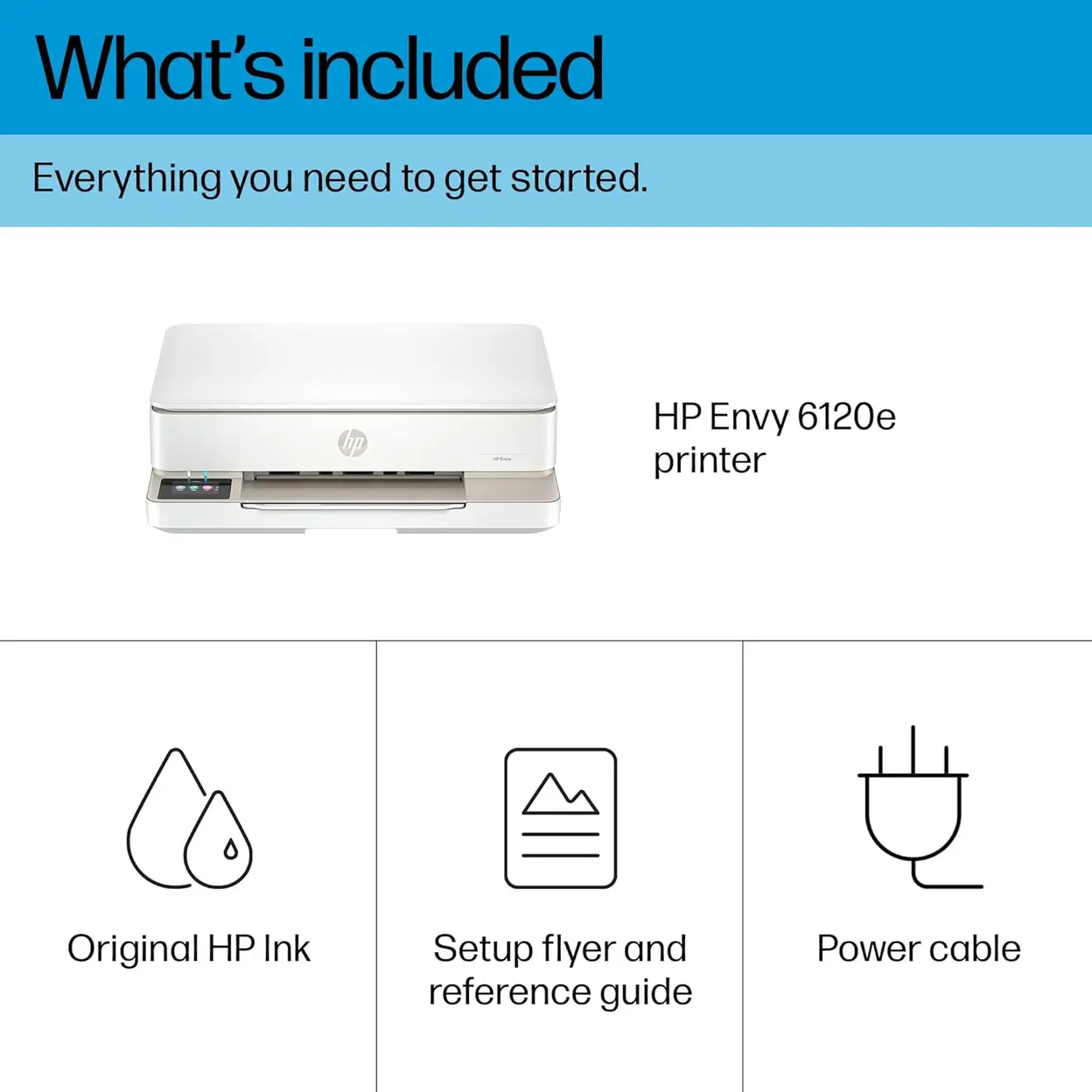
The HP ENVY 6120e All-in-One Printer in the elegant Portobello Beige finish is a sleek, compact, and thoughtfully designed inkjet all-in-one device crafted exclusively for modern home and small home office use, seamlessly blending sophisticated aesthetic appeal with powerful, all-inclusive functionality to become a stylish and practical centerpiece of any workspace. Boasting a space-saving, streamlined build that fits effortlessly on countertops, desks, or compact work nooks without sacrificing performance, this multifunctional printer delivers four core essential capabilities—high-quality printing, precise copying, clear scanning, and convenient mobile fax—all in one intuitive device, eliminating the need for multiple separate gadgets and effortlessly meeting every day-to-day document and imaging need, from printing school assignments, family photos, and household paperwork to copying important documents, scanning receipts or handwritten notes into digital files, and sending faxes on the go via mobile.
Good to know
Print, Copy, Scan & Mobile Fax capabilities in a single compact device
Print speeds of up to 10 ppm (black) and 7 ppm (color); draft speeds of up to 20 ppm (black) and 17 ppm (color)
Duplex printing for automatic double-sided printing, saving paper and increasing efficiency
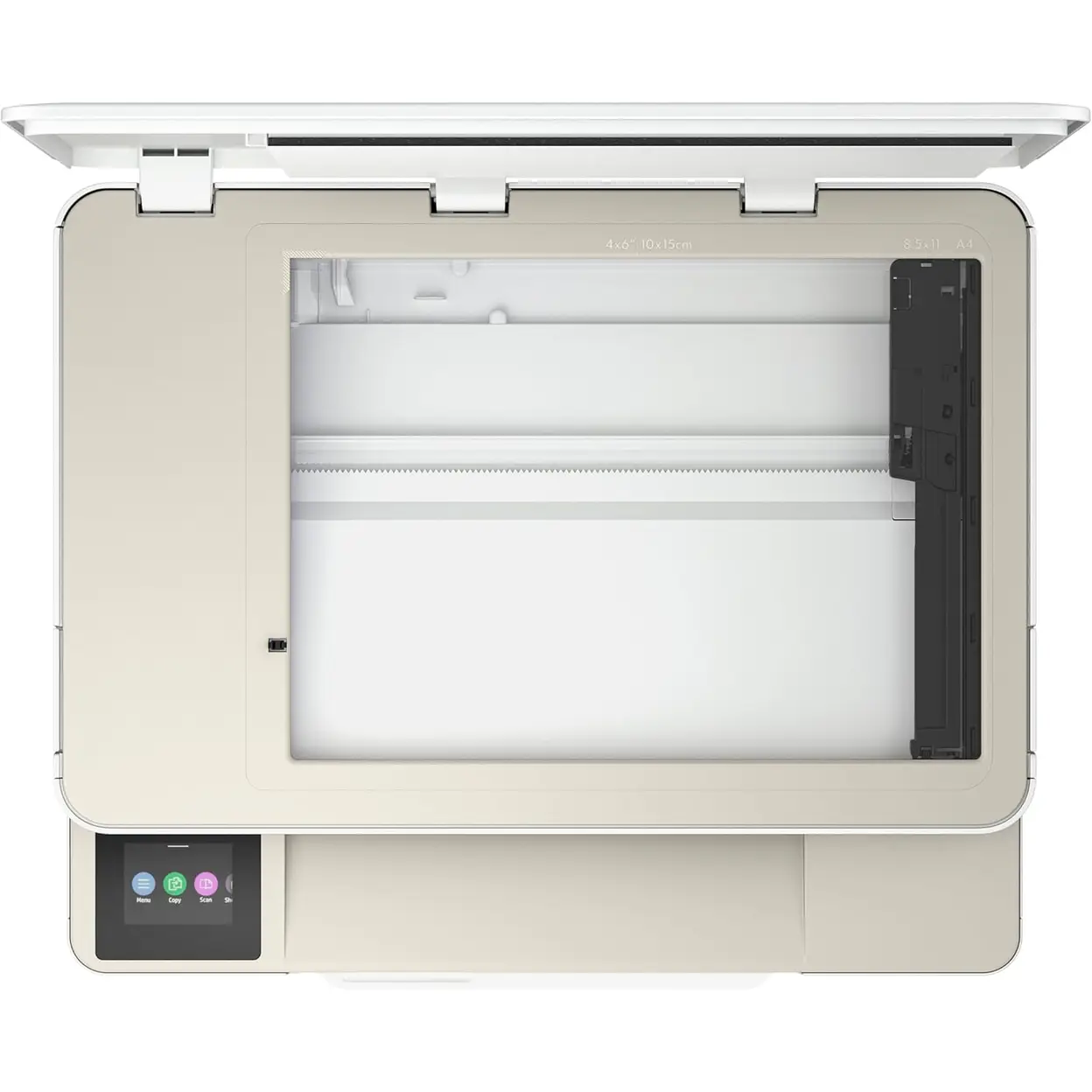
Scanner resolution of 1200 × 1200 dpi and copy resolution of up to 300 × 300 dpi for clear and accurate results
Connectivity options include dual-band Wi-Fi (with self-healing), USB 2.0, and Apple AirPrint for seamless mobile printing
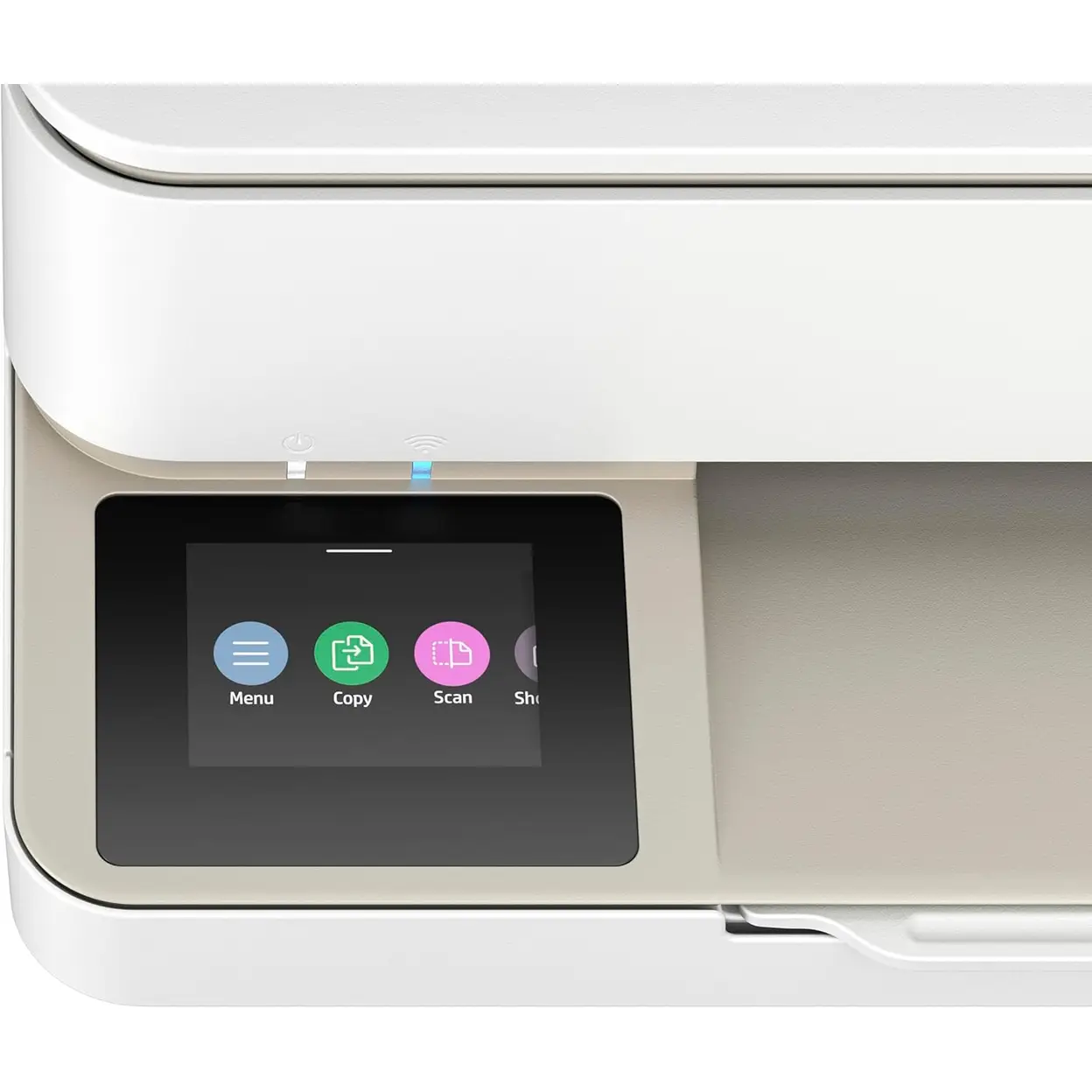
2.4" color touchscreen for easy navigation and control of print tasks
HP 308 ink cartridges for reliable and consistent printing
Built with recycled plastics for an eco-friendly, sustainable design
Why we love it
The HP ENVY 6120e offers an unbeatable combination of functionality, speed, and style in a compact all-in-one printer. With automatic duplex printing, wireless connectivity, and mobile printing support, it’s designed to fit seamlessly into home spaces and deliver high-quality prints at an efficient pace. The eco-conscious design ensures it’s as friendly to the environment as it is to your home office. Whether you're printing documents, scanning photos, or copying assignments, this printer provides all the features you need in a sleek, modern package.
Usage Instruction
Unpack the printer, install the ink cartridges (HP 902XL), and load paper into the tray. Connect the power cable and turn it on.
Download the HP Smart app on your phone or computer. Follow the app's instructions to connect the printer to your Wi-Fi network for wireless printing, scanning, and copying.
Safety Warning
WARNING Use only in a well-ventilated area. Use only HP original or approved ink cartridges and paper types to avoid damage. Keep the printer and power cord away from heat sources and water. Unplug during electrical storms. Keep small parts (inks, paper clips) away from children.