

















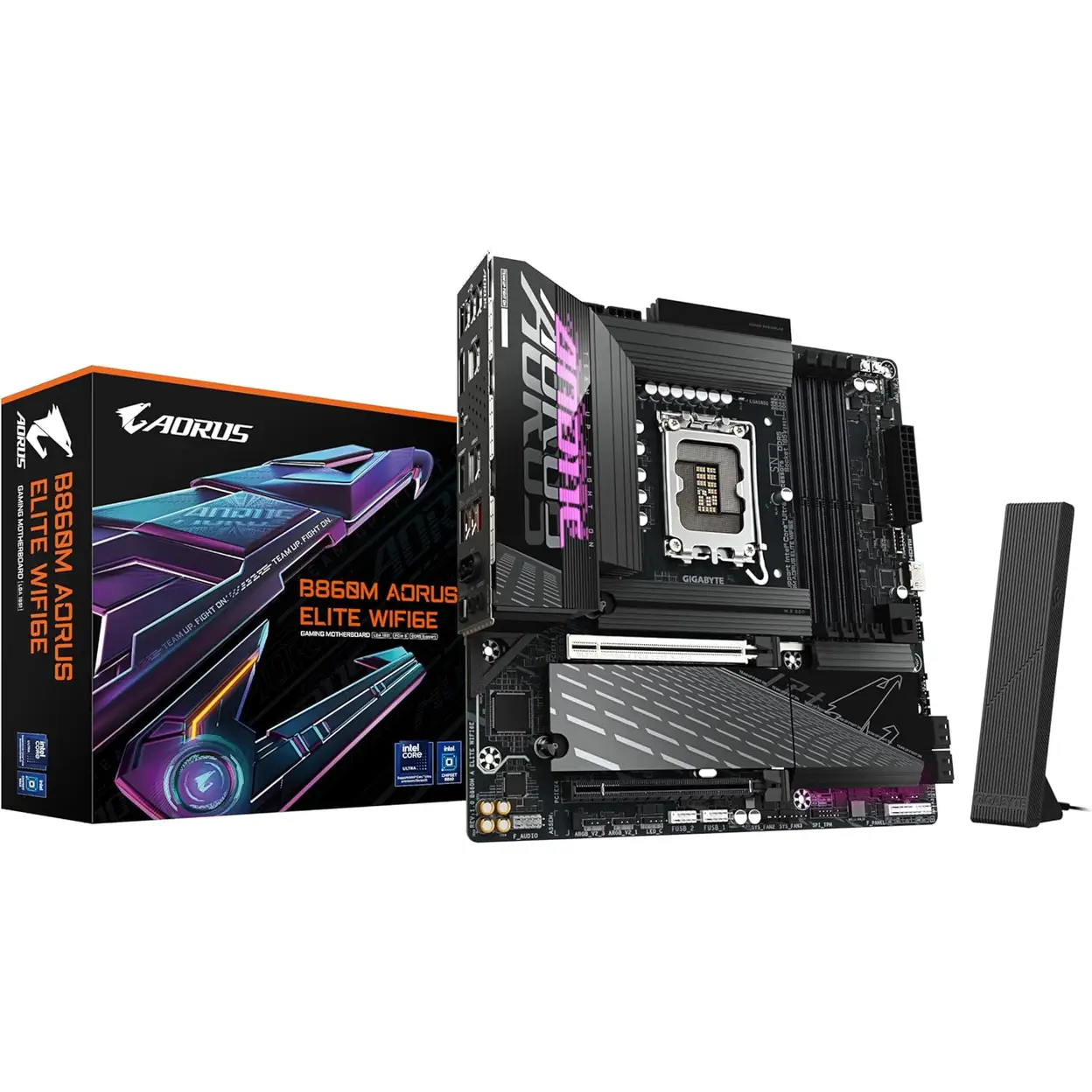
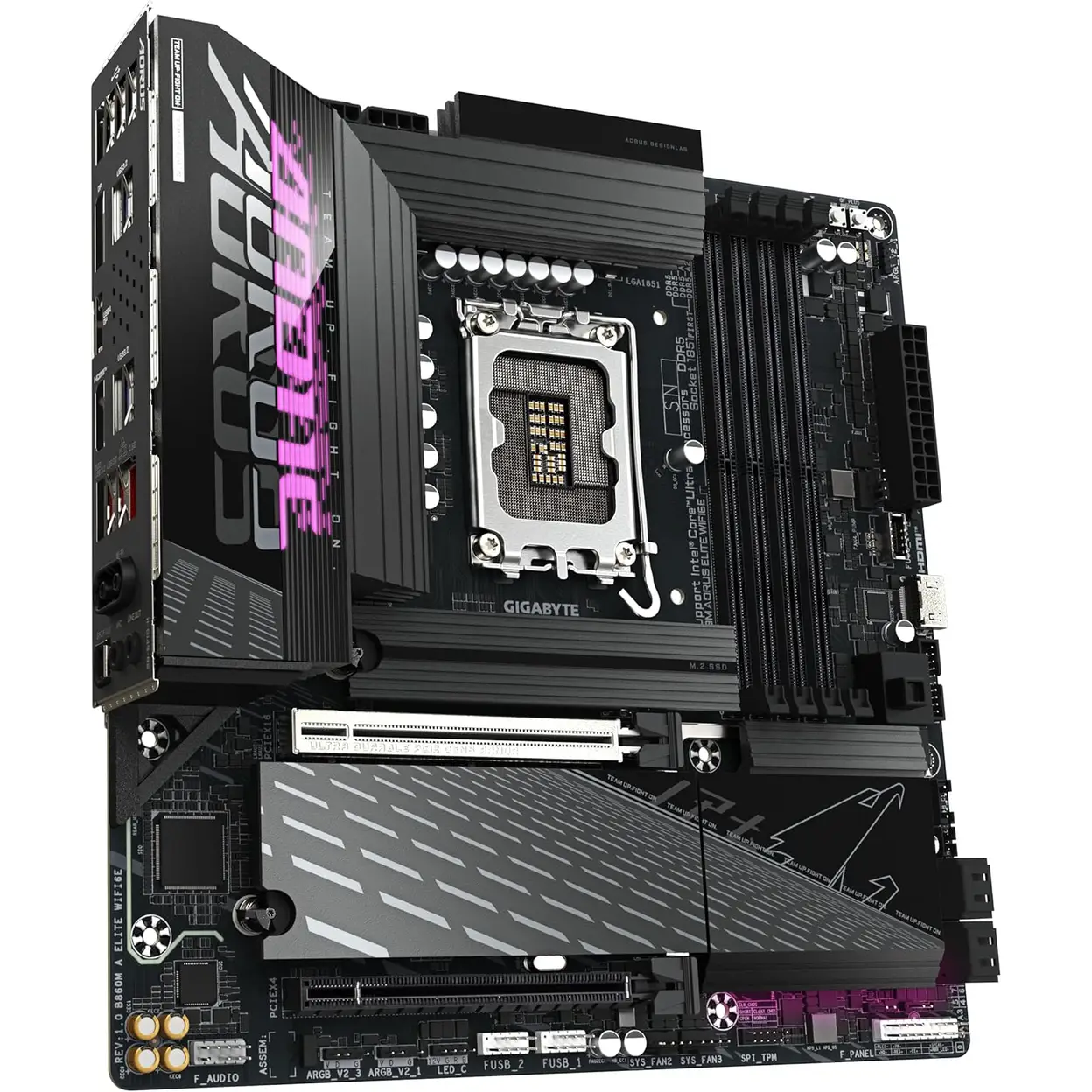
Gigabyte B860M Gaming X WiFi6E DDR5 Micro ATX LGA 1851 Motherboard
Cool and technological style


The GIGABYTE B860M AORUS ELITE WIFI 6E Motherboard is a high-performance micro-ATX platform engineered for the latest Intel Core Ultra series CPUs using the LGA 1851 socket. Designed for enthusiasts and advanced PC builders, it delivers a powerful balance of next-generation connectivity, robust power delivery and premium thermal design. With support for DDR5 memory up to 9200MHz, PCIe 5.0 graphics, ultra-fast M.2 storage, and cutting-edge networking, this motherboard is built to handle demanding gaming, creative workloads and future-ready systems with confidence.
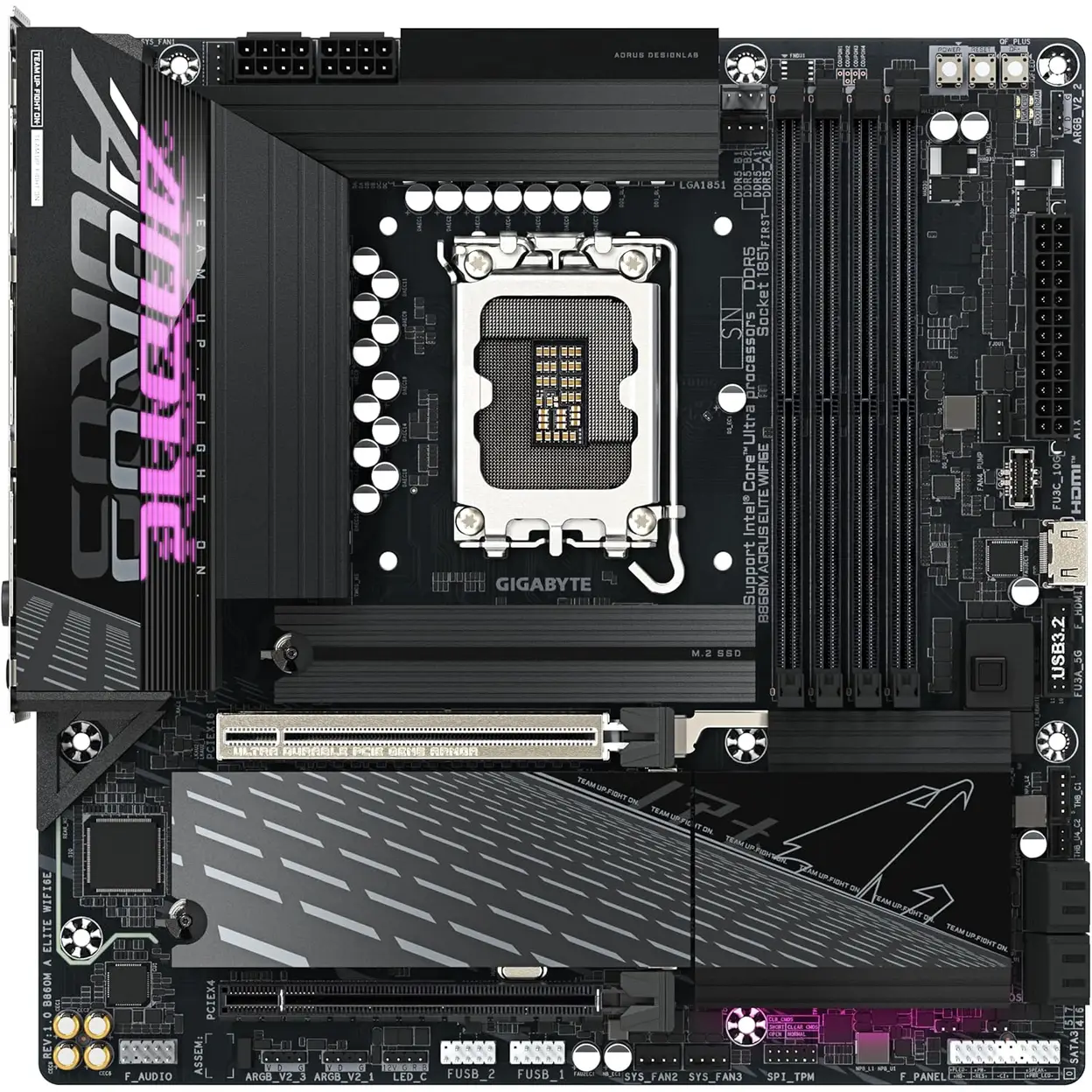
At its core, the board features a Twin Hybrid Digital 12+1+2+1 phase VRM design with 60A DrMOS, ensuring stable and efficient power delivery even under sustained heavy loads. This is complemented by fully covered MOSFET heatsinks and an extended M.2 Thermal Guard, helping maintain optimal temperatures and long-term reliability. GIGABYTE’s builder-friendly innovations such as EZ-Latch Plus and EZ-Latch Click simplify GPU and SSD installation, making the build process faster and more intuitive.
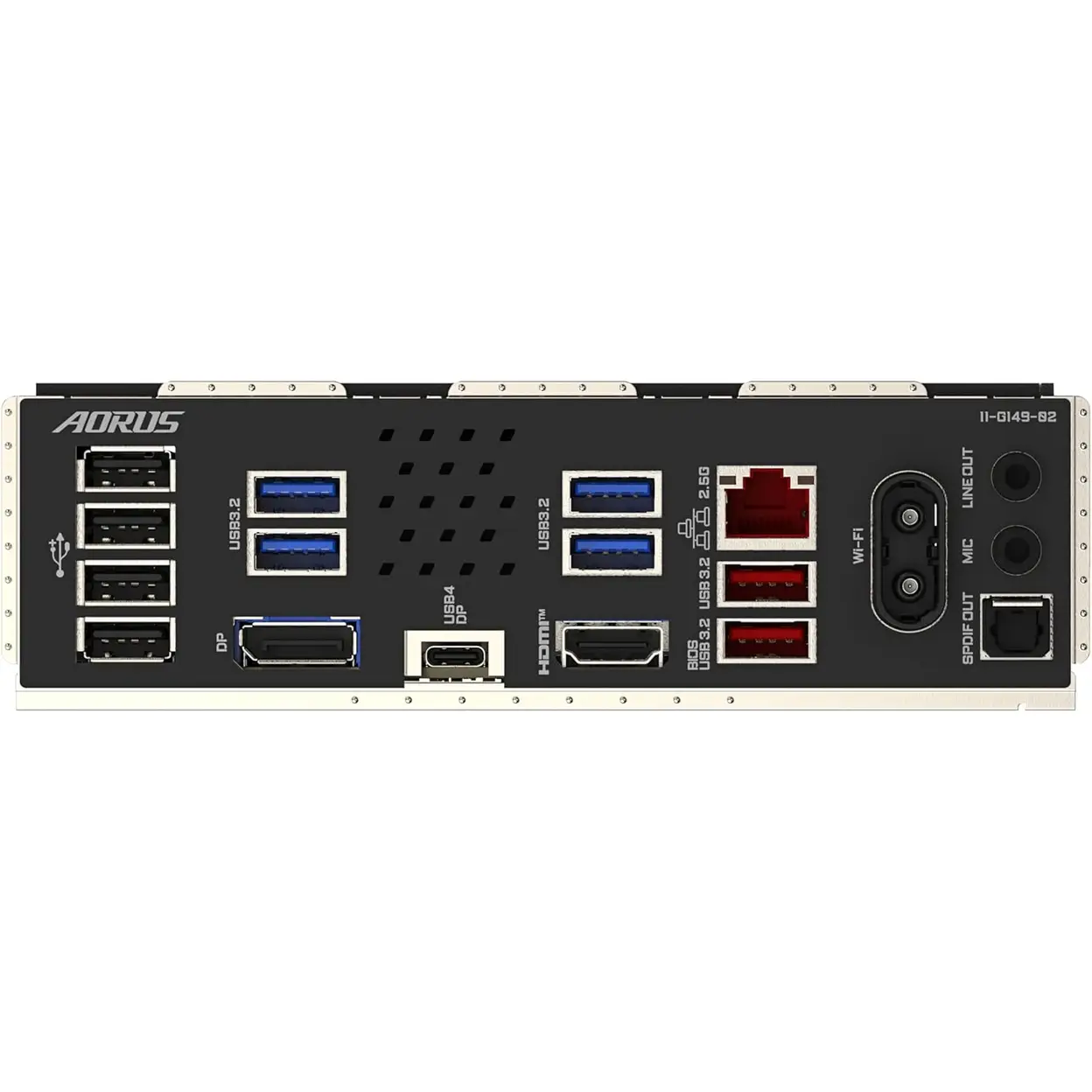
Connectivity is another key strength. With Wi-Fi 6E, 2.5GbE LAN, and high-speed USB 4.0 Type-C, the B860M AORUS ELITE WIFI 6E ensures exceptional network performance and peripheral support. Whether you’re building a compact gaming rig or a powerful workstation, this motherboard provides the performance headroom and features required for modern computing.
Good to know
Supports Intel Core Ultra processors on LGA 1851
12+1+2+1 phase 60A DrMOS VRM for stable high-performance power delivery
DDR5 dual-channel memory, up to 256GB and 9200MHz
PCIe 5.0 x16 slot with EZ-Latch Plus for easy GPU installation
1 × PCIe 5.0 + 2 × PCIe 4.0 M.2 slots with thermal protection
Wi-Fi 6E (2×2 Realtek) with Wi-Fi EZ-Plug
2.5GbE LAN, USB 4.0 Type-C, USB 3.2 Gen2 Type-C
Why we love it
This motherboard combines premium power design, next-gen expansion and user-friendly build features in a compact form factor. The PCIe 5.0 support, DDR5 overclocking headroom, and Wi-Fi 6E connectivity make it a strong foundation for both current and future PC builds, while GIGABYTE’s EZ-Latch system removes much of the hassle from upgrades and maintenance.
Usage Instruction
Ensure your CPU (LGA 1851 socket) and DDR5 memory modules are compatible with this motherboard. Install it in your PC case and connect all necessary power cables.
After installing the CPU, memory, and graphics card, connect your monitor and power on. Enter the BIOS/UEFI setup to configure boot order and install your operating system.
Safety Warning
WARNING Discharge static electricity by touching a metal object before handling components. Ensure all power is disconnected before installation. Do not force the CPU or memory into their sockets. Use a power supply unit that matches the motherboard's specifications. Ensure the cooling system is correctly installed.
Sản phẩm liên quan