












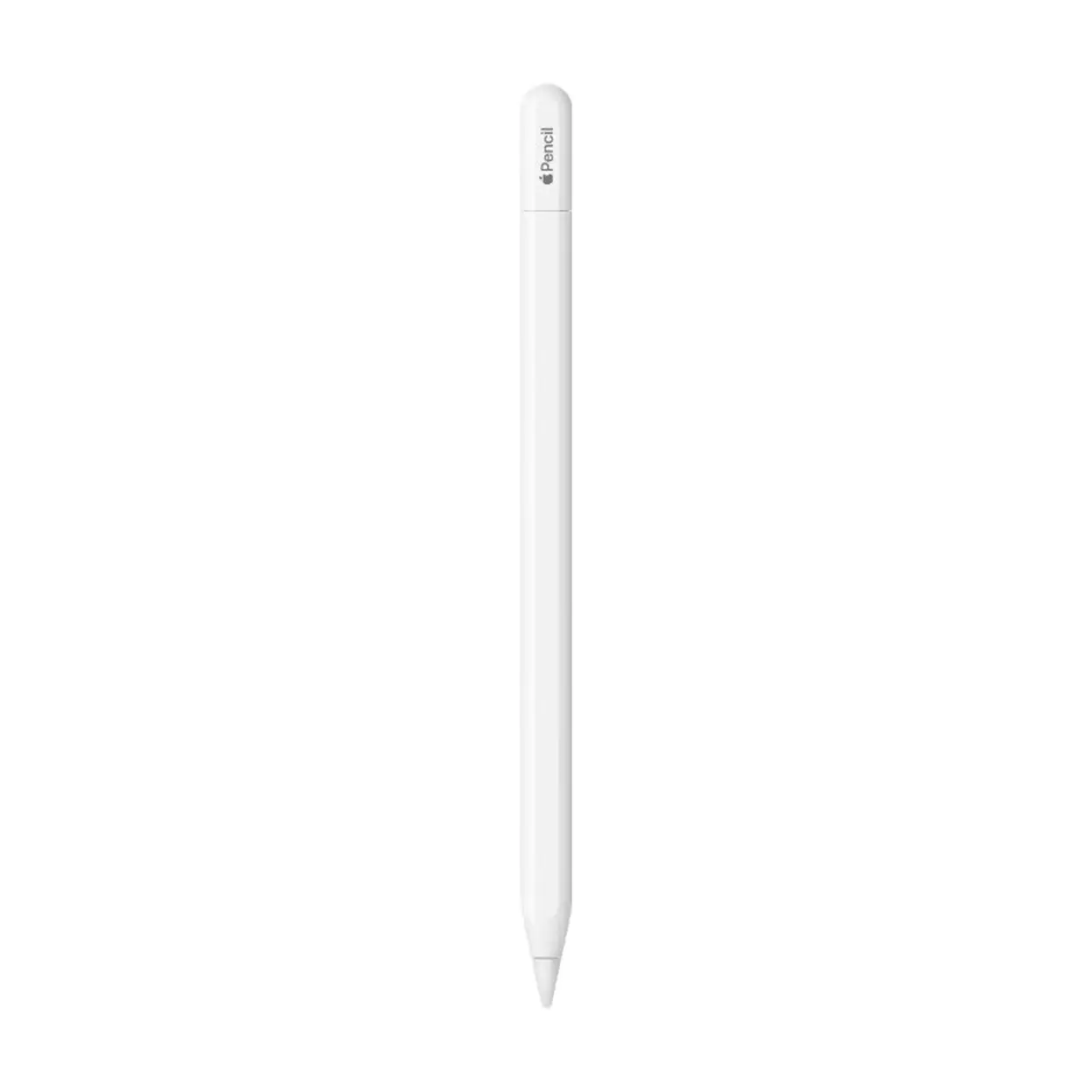
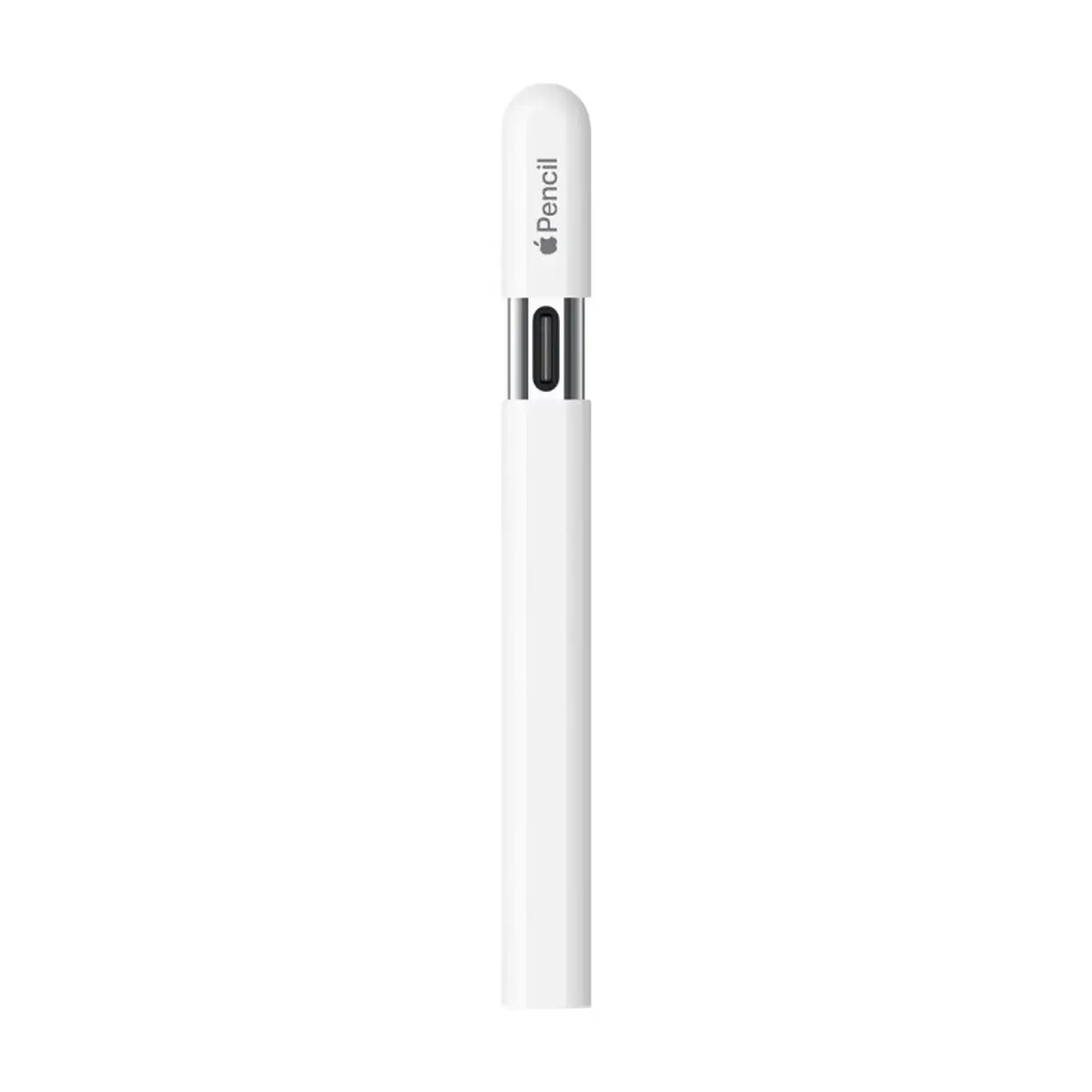
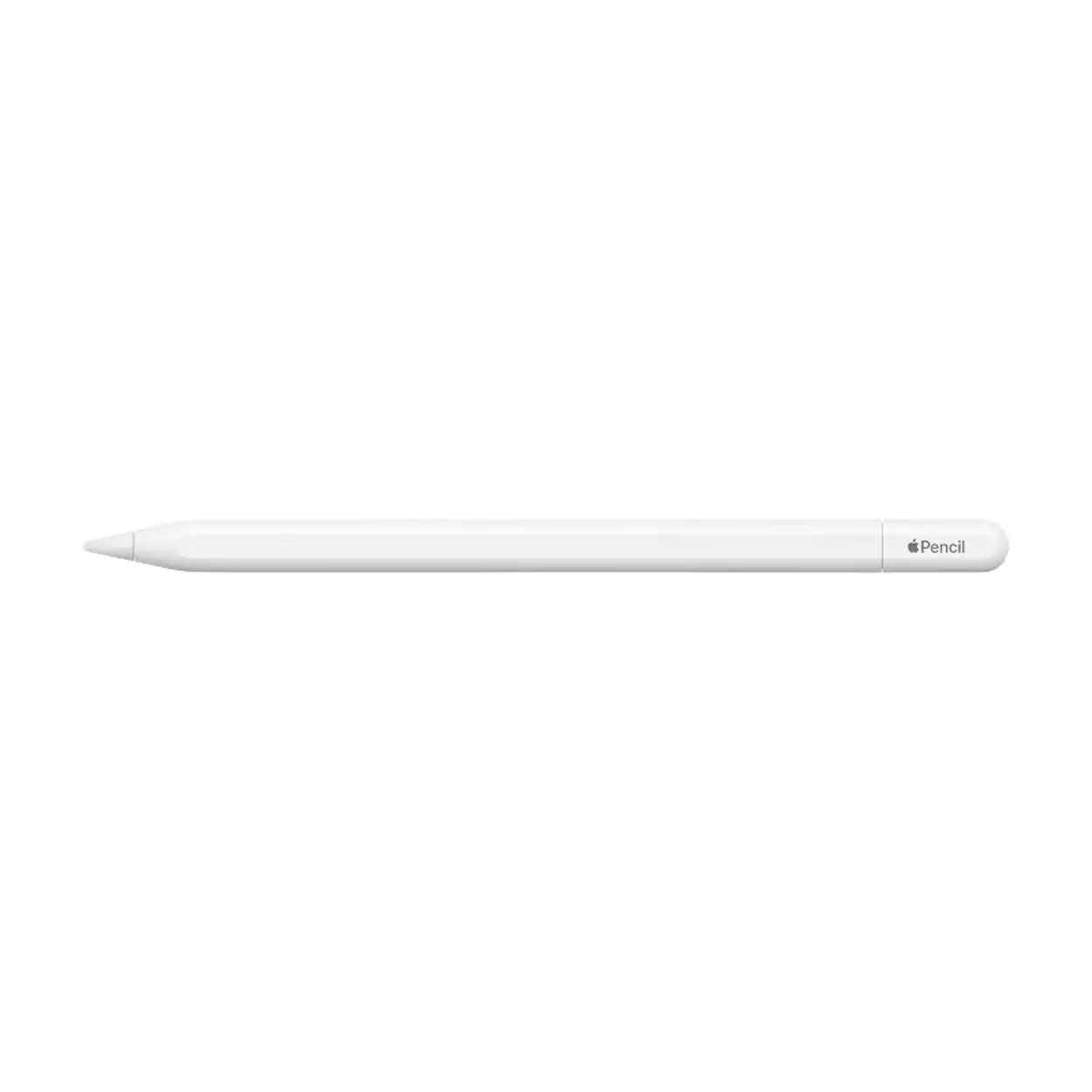
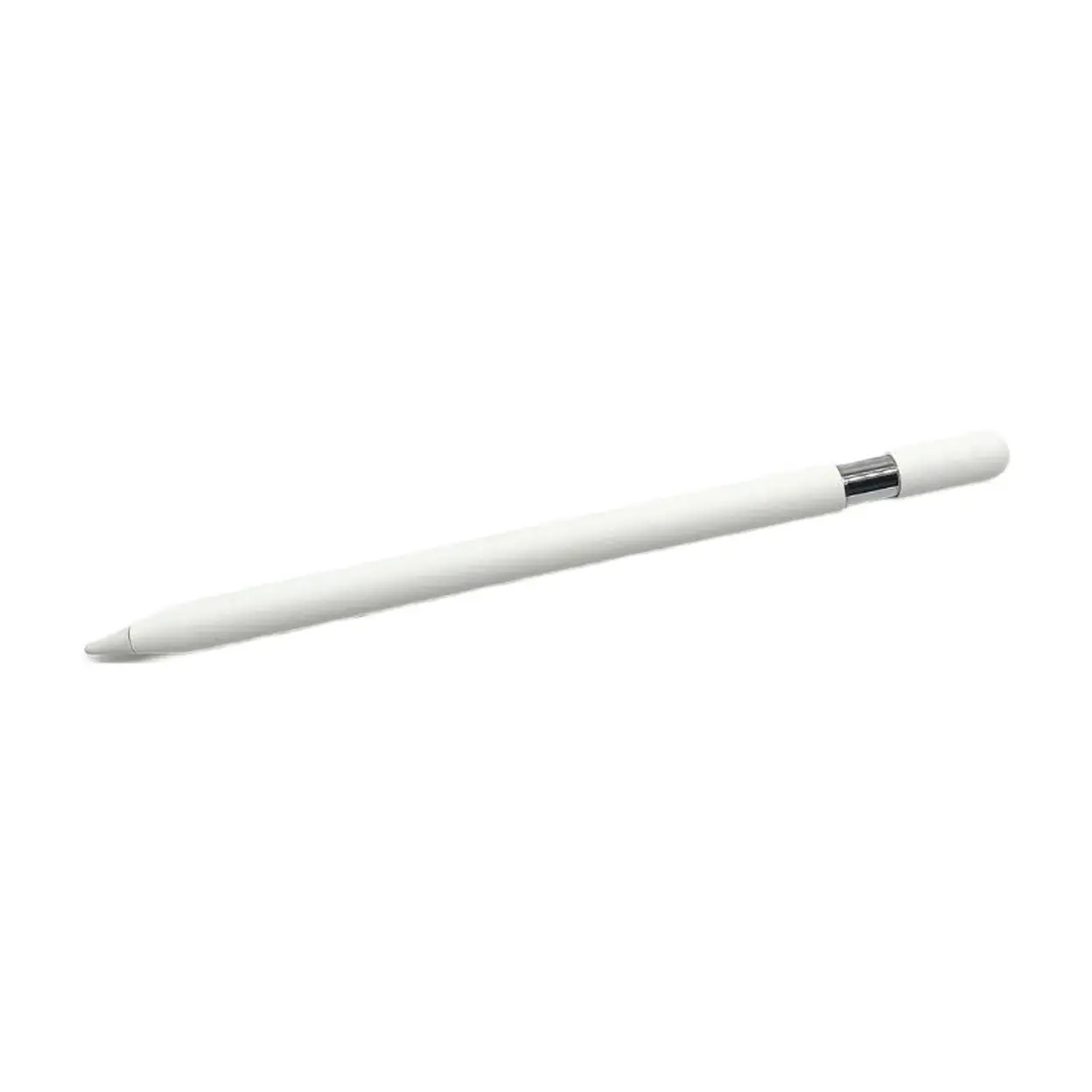
Smooth and precise input The Apple Pencil (USB-C) offers precise, low-latency writing, drawing, and note-taking on compatible iPad models. It provides a natural, responsive feel, making everyday tasks like note-taking and sketching feel seamless. Designed for everyday creativity Lightweight and with a matte surface, the Apple Pencil (USB-C) fits comfortably in your hand and is easy to control. Perfect for long writing or drawing sessions, whether you’re learning, working, or creating content. USB-C charging and pairing Direct Charging and Pairing with USB-C The Apple Pencil charges and pairs directly with USB-C, offering a simple and reliable setup without the need for additional adapters. It connects easily and is ready to use. Tilt Sensitivity for Drawing Support The Apple Pencil (USB-C) supports tilt sensitivity, allowing for shading and varying stroke thickness based on the angle, providing a more natural drawing and sketching experience suitable for light illustration and creative work. Magnetic Attachment for Convenience The Apple Pencil (USB-C) can be magnetically attached to the side of a compatible iPad, keeping it secure and conveniently stored when not in use. Key Features Apple Pencil (USB-C) USB-C charging and pairing Low latency, precise input Tilt sensitivity for natural shading and strokes Matte surface for a comfortable grip Magnetic attachment for easy storage Lightweight design Ideal for Students and everyday iPad users Digital note-taking, diaries, and studying Sketching, light illustration, and annotating documents Who want the basic Apple Pencil features at a great value Technical Specifications
Specification
Details
Brand
Apple
Product Name
Apple Pencil (USB-C)
Compatible Devices
Compatible iPad models (see official Apple compatibility list for details)
Charging & Pairing
Direct USB-C charging and pairing
Features
Low latency writing and drawing, tilt sensitivity, pixel-accurate precision
Finish
Matte
Attachment
Magnetic (to compatible iPad side)
Box Contents
Apple Pencil (USB-C), Instructions
Instructions for Use Pairing and Charging: To pair the Apple Pencil (USB-C) with your iPad, remove the cap and plug the USB-C connector directly into your iPad’s USB-C port. It will automatically pair and begin charging. Usage: Once paired, the Apple Pencil can be used immediately with supported apps without additional setup. Use the pencil to tilt for varying shading effects. Storage: When not in use, attach the Apple Pencil magnetically to the side of your compatible iPad for secure storage and charging. Precautions: Do not bend the pencil or expose it to extreme impacts. Keep the tip and USB-C connector clean. Safety Warning Warnings: This product contains magnets and integrated electronics. Keep magnets at least 15 cm away from medical devices like pacemakers and defibrillators to avoid interference. Do not open, attempt to repair, or expose the product to strong impacts. Small parts (e.g., pen caps) pose a choking hazard—keep secure and away from young children. Ensure compatibility when charging with USB-C ports and devices, and avoid using damaged cables or ports.
By using this site, you agree to its Terms of Service, which prohibit commercial use of any information on this site, and its Privacy Policy. We may earn a commission when you use one of our links to make a purchase.