














Core Features and Highlights
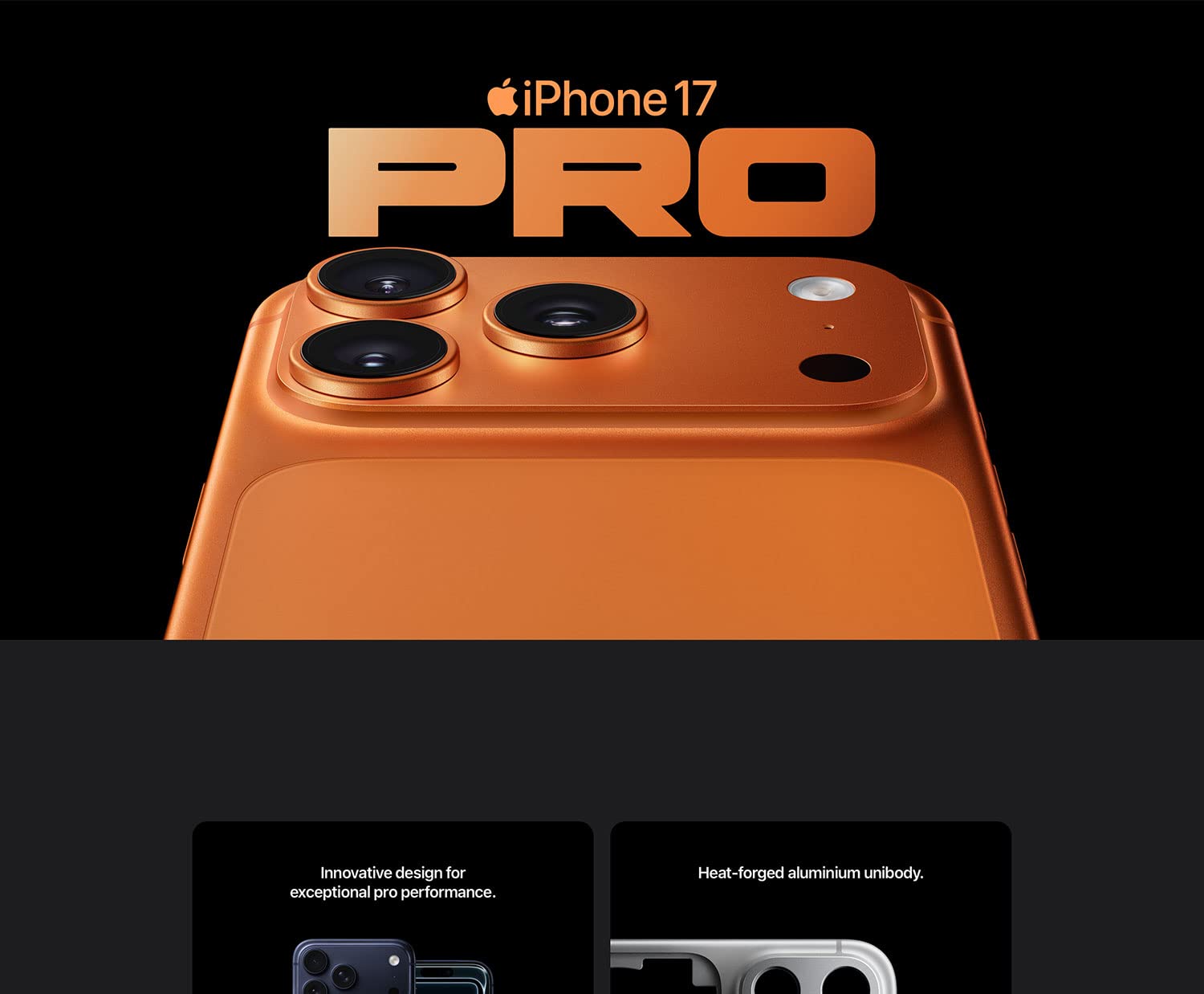
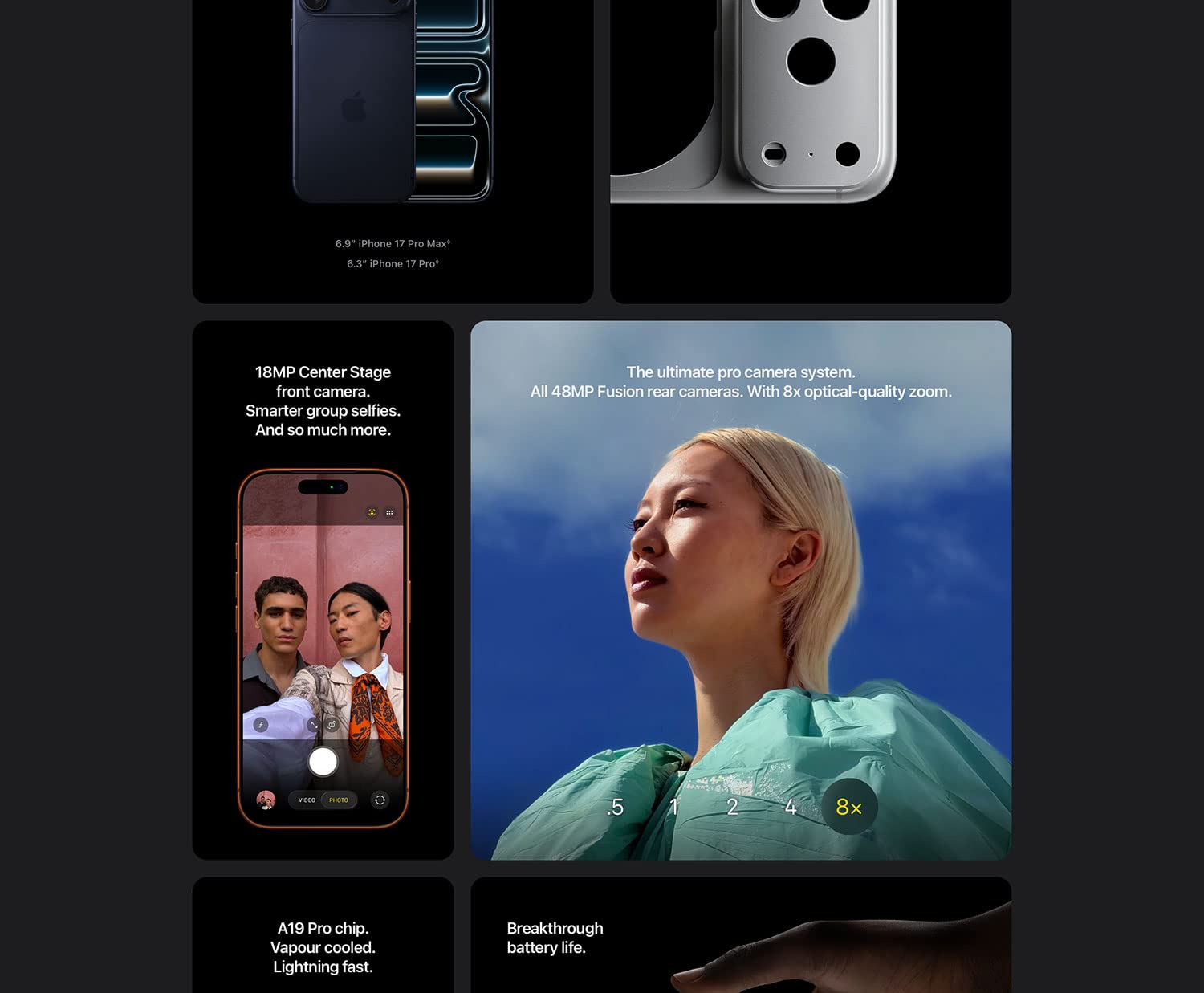
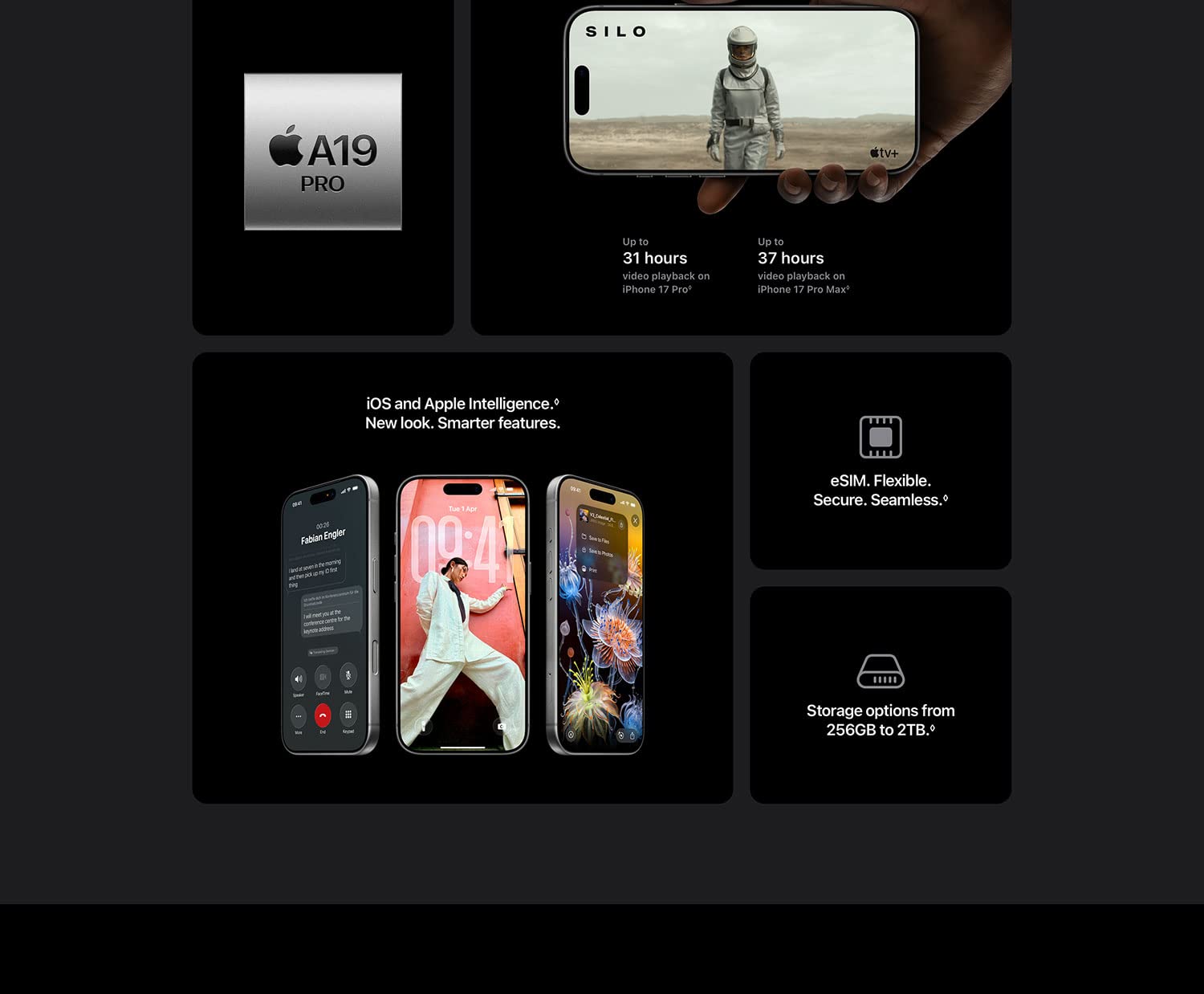
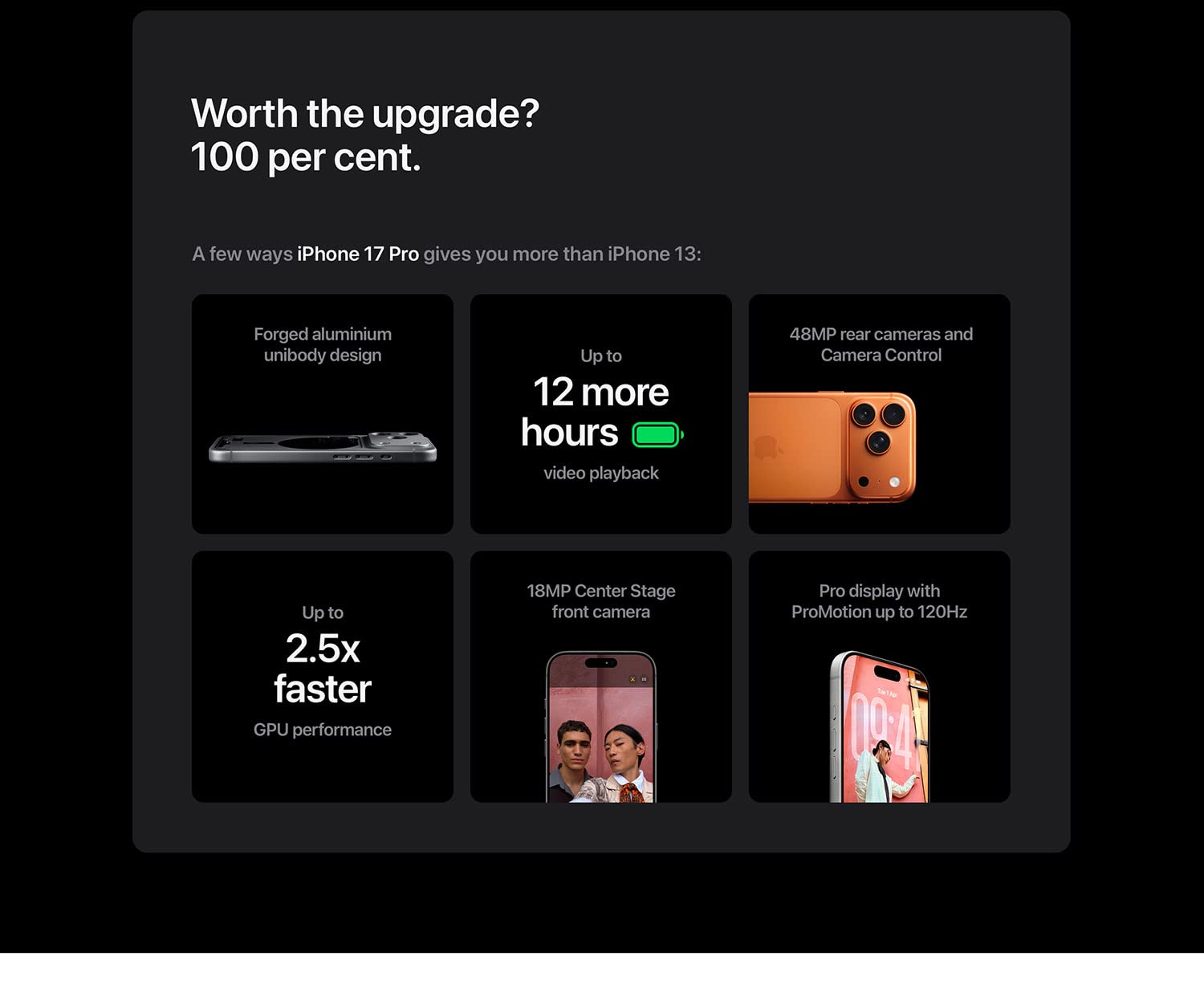
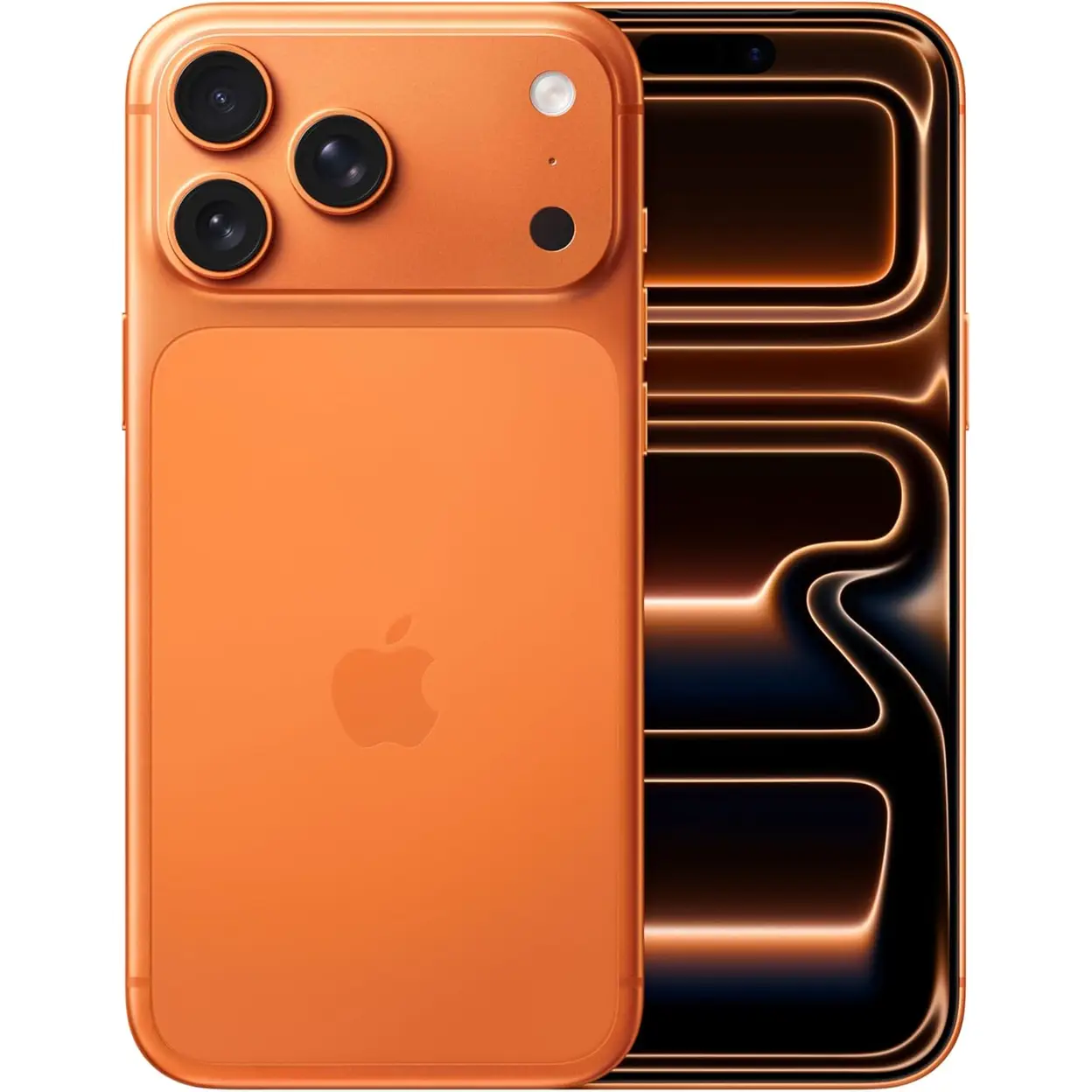
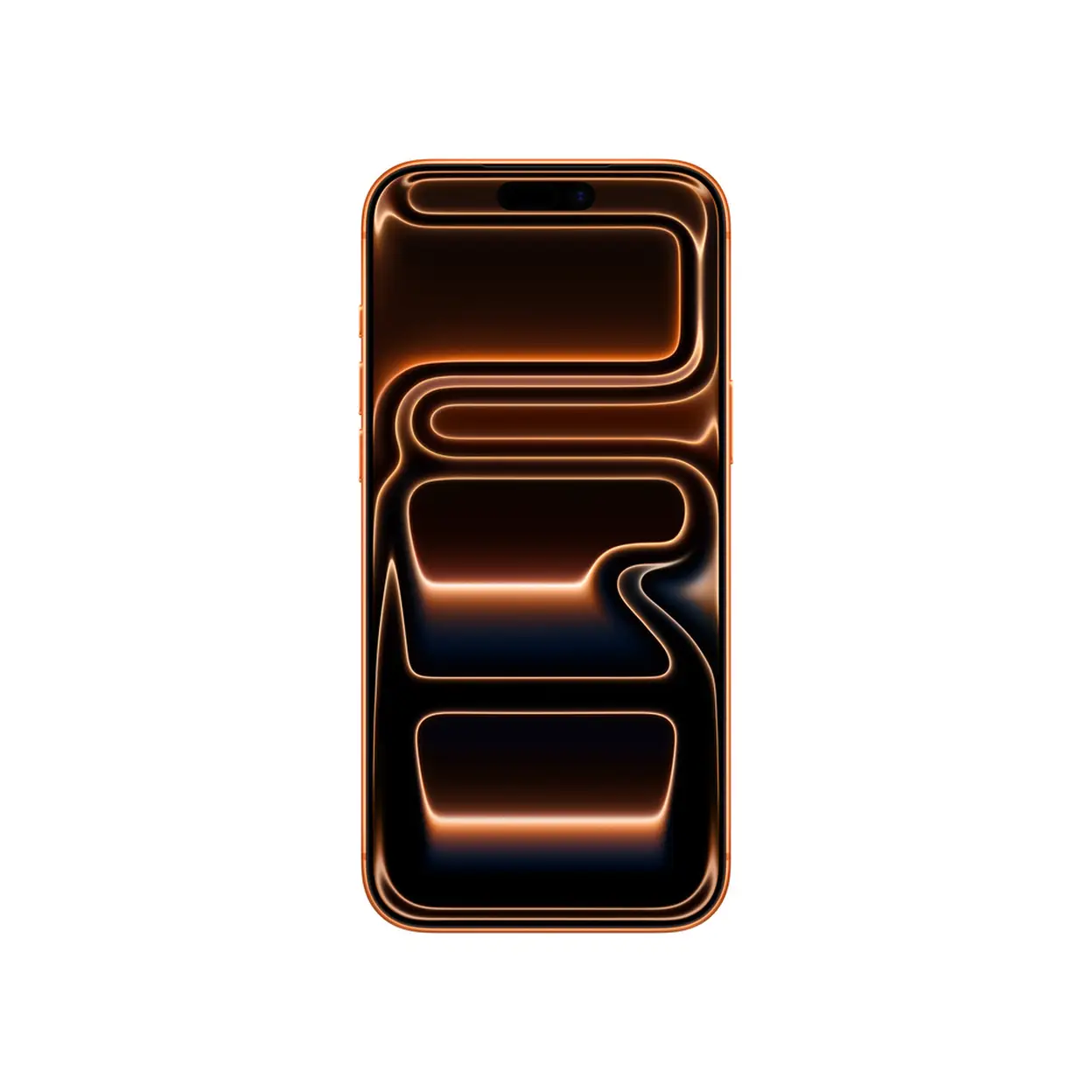
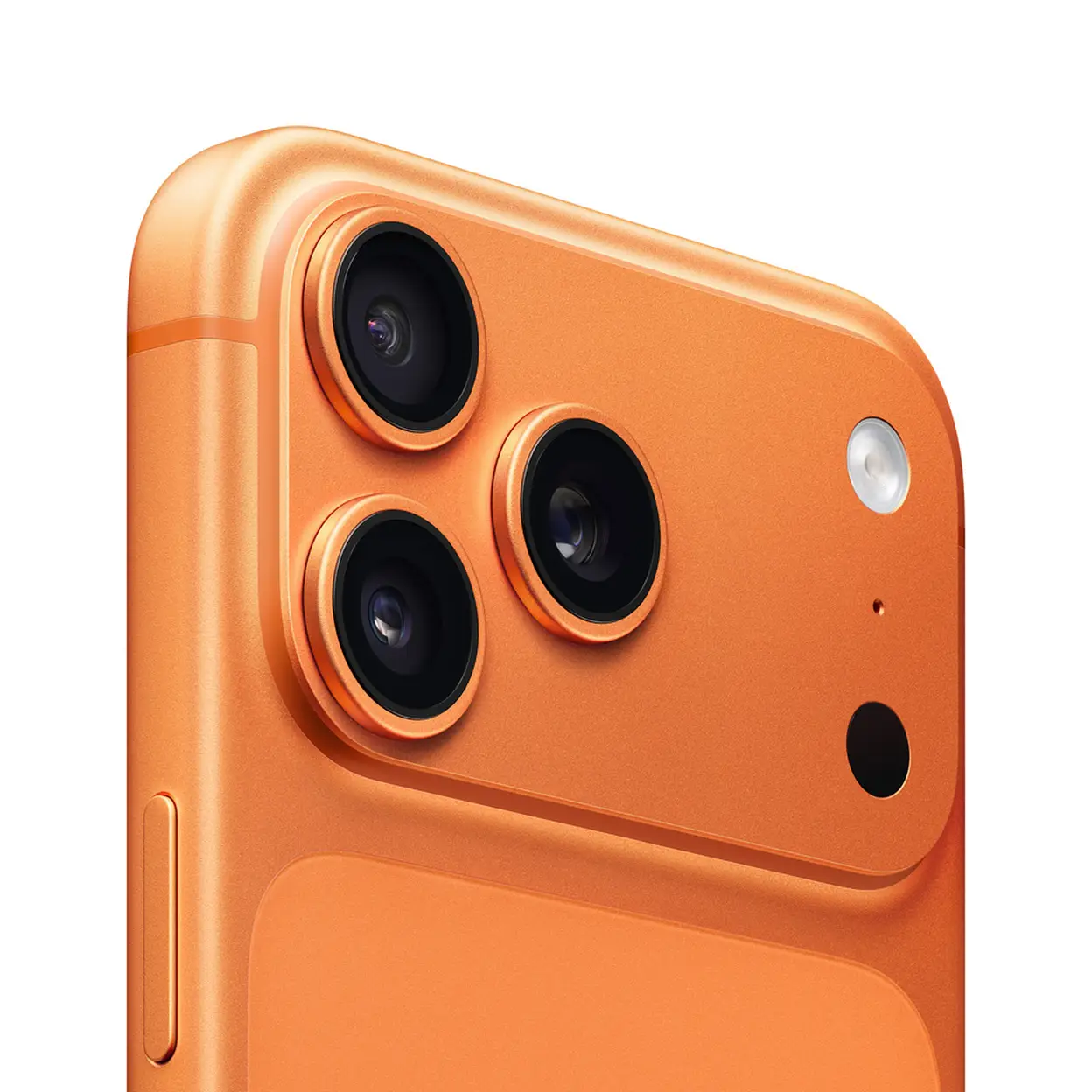
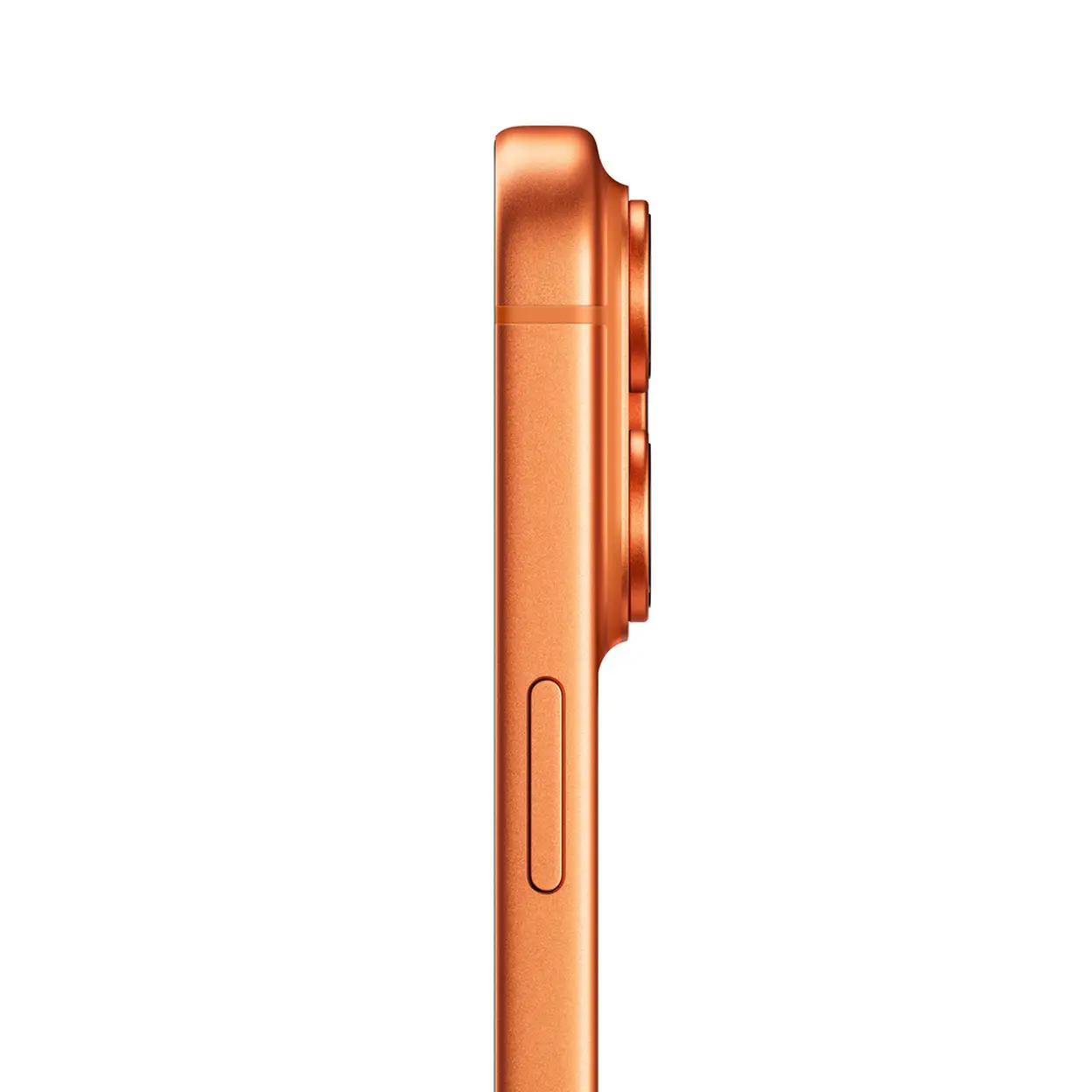
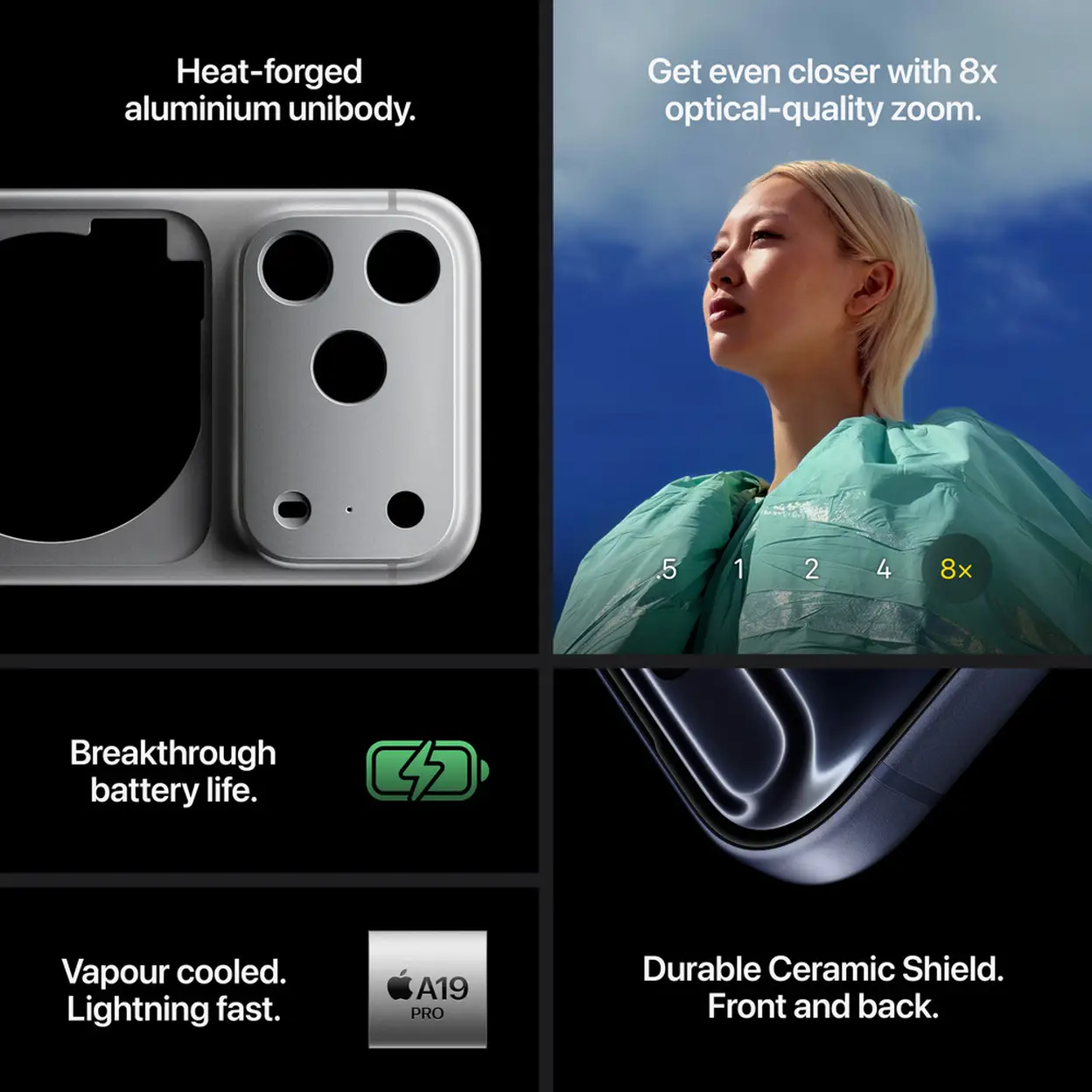
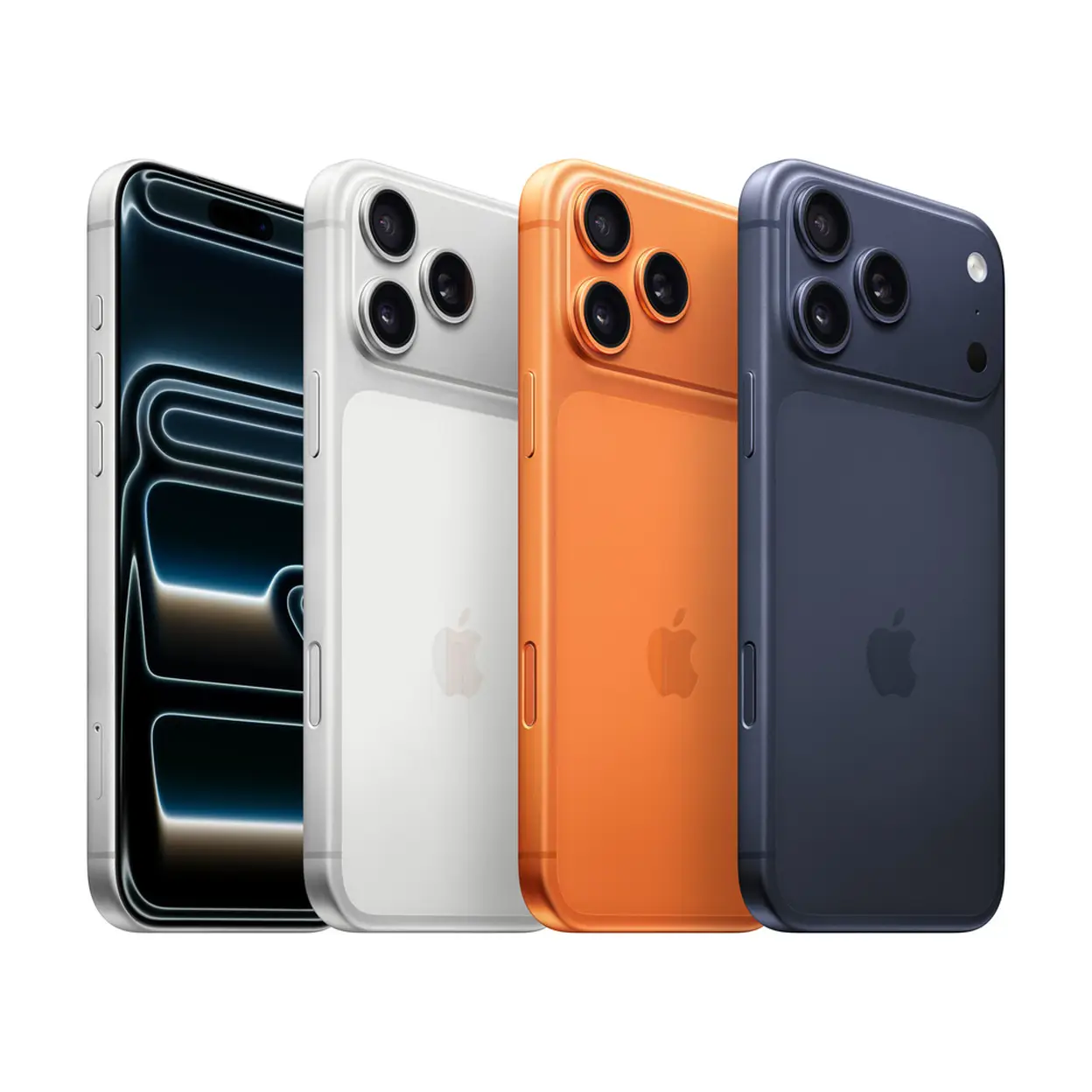
The iPhone 17 Pro Max in Cosmic Orange is Apple's most powerful iPhone to date, featuring a 6.9-inch Super Retina XDR display and a robust unibody aluminum design. Equipped with the A19 Pro chip and steam cooling technology, this device offers lightning-fast performance with a 40% improvement in performance consistency. The iPhone 17 Pro Max comes with the ultimate pro camera system, a rear 48MP camera with 8x optical zoom, offering unparalleled photography capabilities. The front 18MP Center Stage camera provides flexible framing and intelligent group selfies. It boasts the longest battery life in any iPhone, supporting up to 53 hours of use and charging to 50% in just 20 minutes. Running on iOS 26, it introduces a new Liquid Retina design and enhances privacy and security features, including Emergency SOS via satellite.
Key Selling Points
• Both front and back are made of durable Ceramic Shield for superior durability.
• A19 Pro chip, unmatched in performance and efficiency.
• Triple-camera 48MP system, the largest zoom range in iPhone history.
• Long-lasting battery and fast charging capabilities.
Technical Specifications
| Specification | Description |
|---|
| Brand | Apple |
| Model | iPhone 17 Pro Max |
| Color | Cosmic Orange |
| Display Size | 6.9 inches |
| Display Technology | Super Retina XDR, OLED |
| Resolution | 2868 x 1320 pixels |
| Processor | Apple A19 Pro |
| Memory | 12 GB |
| Storage Capacity | 512 GB |
| Camera Features | Triple rear 48MP camera, 8x optical zoom, 18MP front camera |
| Battery Capacity | 4832 mAh |
| Charging | MagSafe, USB PD, 50% in 20 minutes |
| Operating System | iOS 26 |
| Connectivity | 5G, Wi-Fi 7, Bluetooth 6.0, NFC |
| Dimensions | Width: 78 mm, Length: 163.40 mm, Weight: 231 g |
| SIM Type | Dual SIM (eSIM, Nano-SIM) |
| Water Resistance | IP68 |
Safety Warning
Use only as intended and according to the manufacturer’s instructions. Keep out of reach of small children. Avoid exposure to moisture, extreme temperatures, or direct sunlight. Use only approved chargers and accessories. Do not attempt to disassemble or modify the device. Unplug before cleaning or maintenance. Clean with a soft, dry cloth.
Usage Instructions
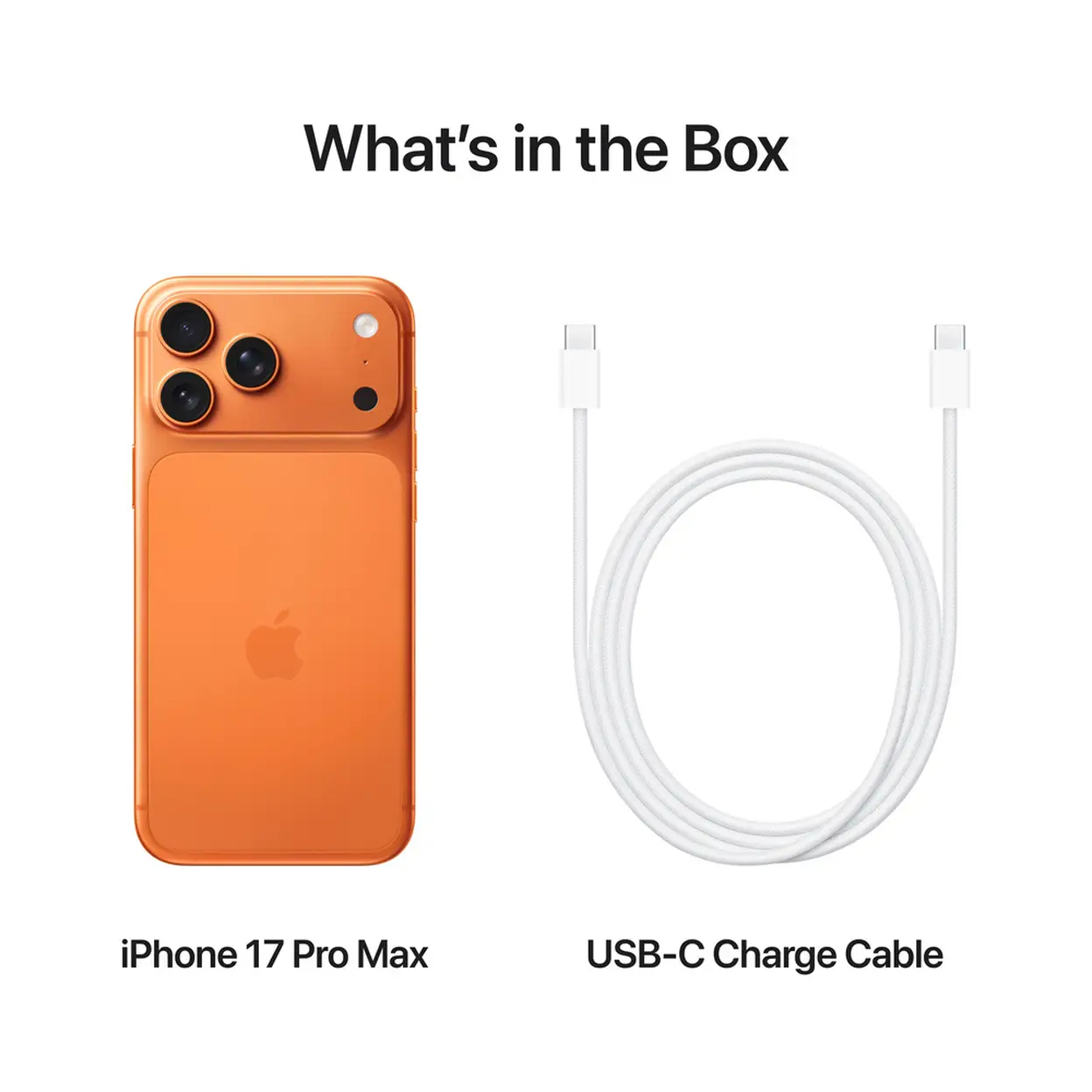
- Charge the device using the supplied or approved charger and cable.
- Power on by pressing and holding the side button.
- Follow the on-screen instructions to set up your device.
- Install apps and software updates from official sources only.
- Keep the screen and device clean; use a soft, dry cloth for cleaning.
- Store the device in a cool, dry place when not in use.